

Workout defaults is the settings screen in Overlood for how a workout behaves: rest, effort ratings, last time’s numbers and warm-ups.
Set it once to how you train, and every workout follows it.
Open Workout defaults
Open Profile, then Workout defaults, or tap Settings at the bottom of a running workout. Each setting saves as soon as you change it, and it’s saved to your account, so it follows you to any phone you sign in on.
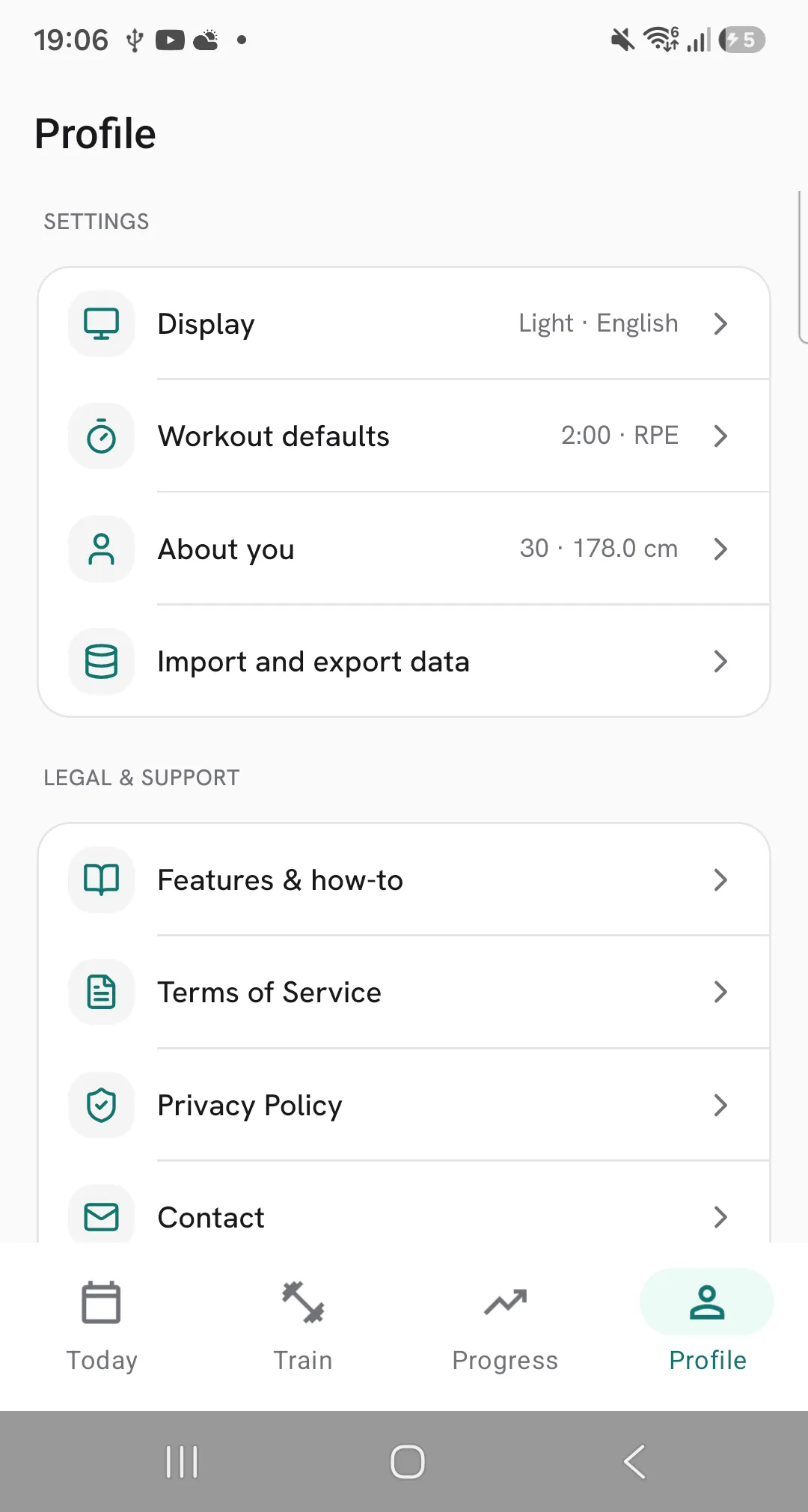
Rest timer
- Default rest timer: the rest for an exercise that has no rest of its own. Pick 00:00 and those exercises start no rest when you tick a set.
- Keep counting past zero: the timer runs on after zero, so you see how far over you went.
- Skip after the last set: the last set of an exercise starts no rest, so you move straight to the next one.
- Sound when rest ends: a tone plays when your rest is up.
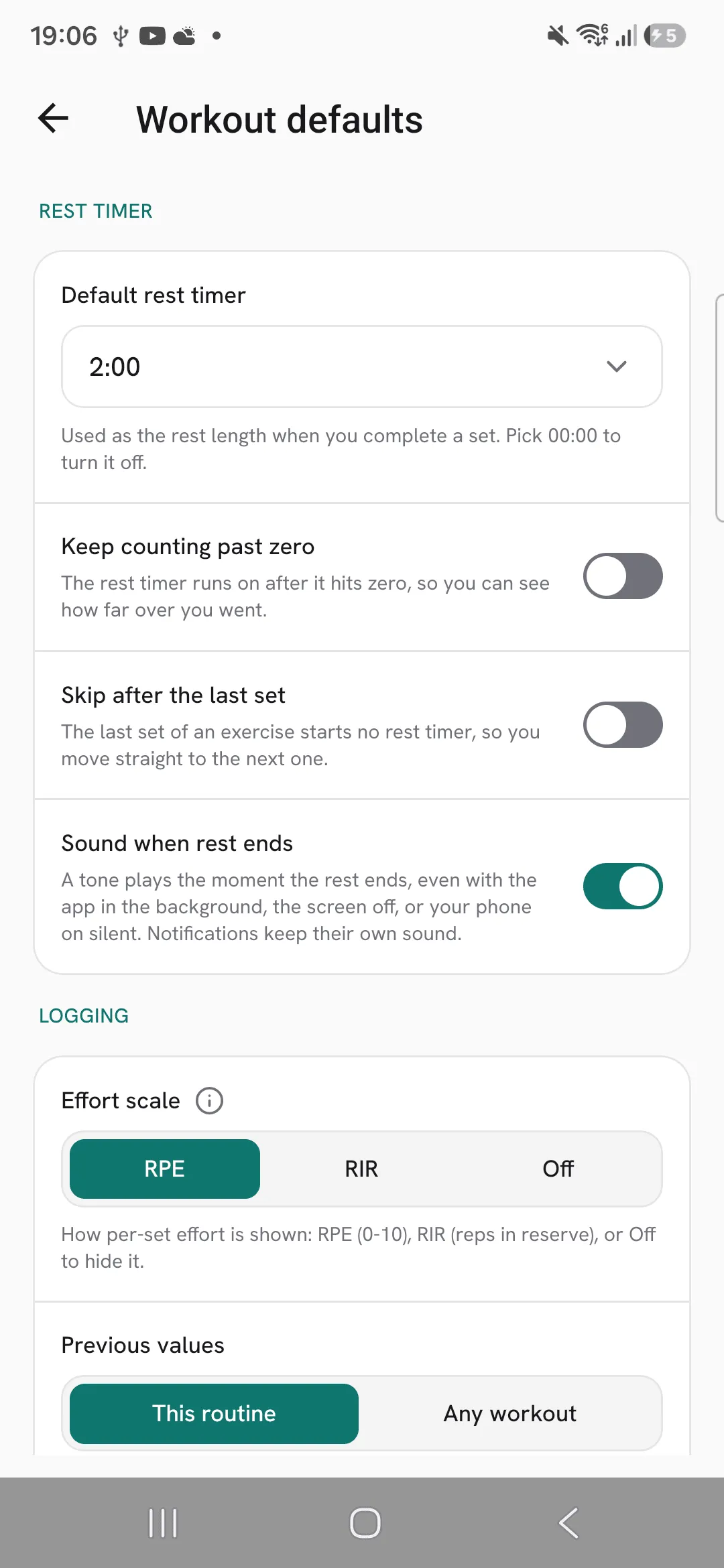
Logging
- Effort scale: rate sets on RPE or RIR, or pick Off to hide ratings. Switching scale shows your past ratings in the new one.
- Previous values: This routine shows your last sets for the exercise in the routine you’re training, and any workout when the routine has nothing for it. Any workout shows your most recent sets for the exercise, whichever workout they were in. You can change this from the Prev column during a workout too.
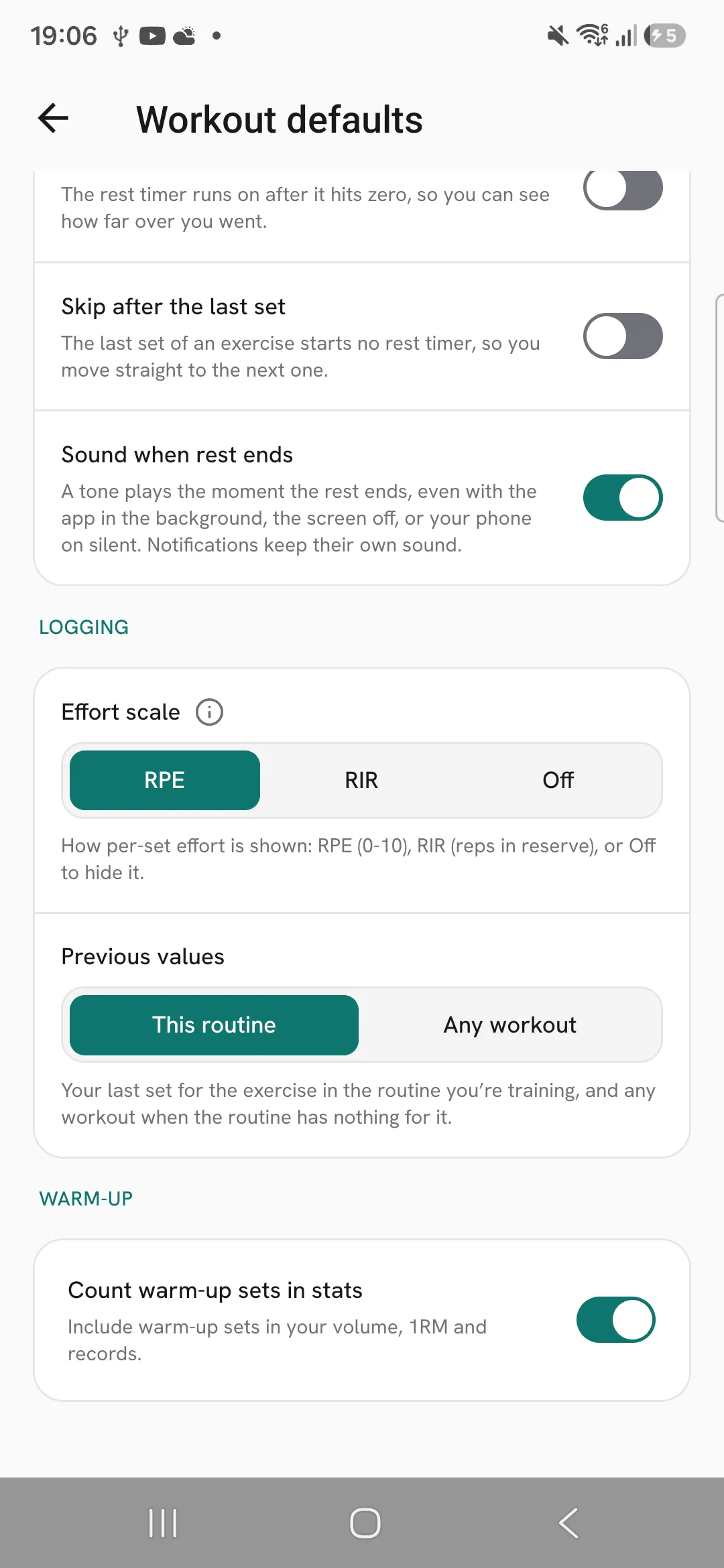
Warm-up
Count warm-up sets in stats puts your warm-up sets into your volume, estimated 1RM, PRs and muscle map. It’s off to start with. Your past workouts follow the setting too.
Tips
- Set your default rest to what most of your sets need, and give your heaviest exercises their own rest in the routine.
- Pick Any workout under Previous values if you train the same exercise in different routines.
- Units and date format are under Profile, then Display.
Frequently asked questions
Do my workout defaults follow me to a new phone?
Yes. They’re saved to your account, so they’re there on any phone you sign in on.
Is there a Save button?
No. Each setting saves as soon as you change it.
Can I turn the rest timer off?
Yes. Set Default rest timer to 00:00. An exercise with its own rest still counts down.
