

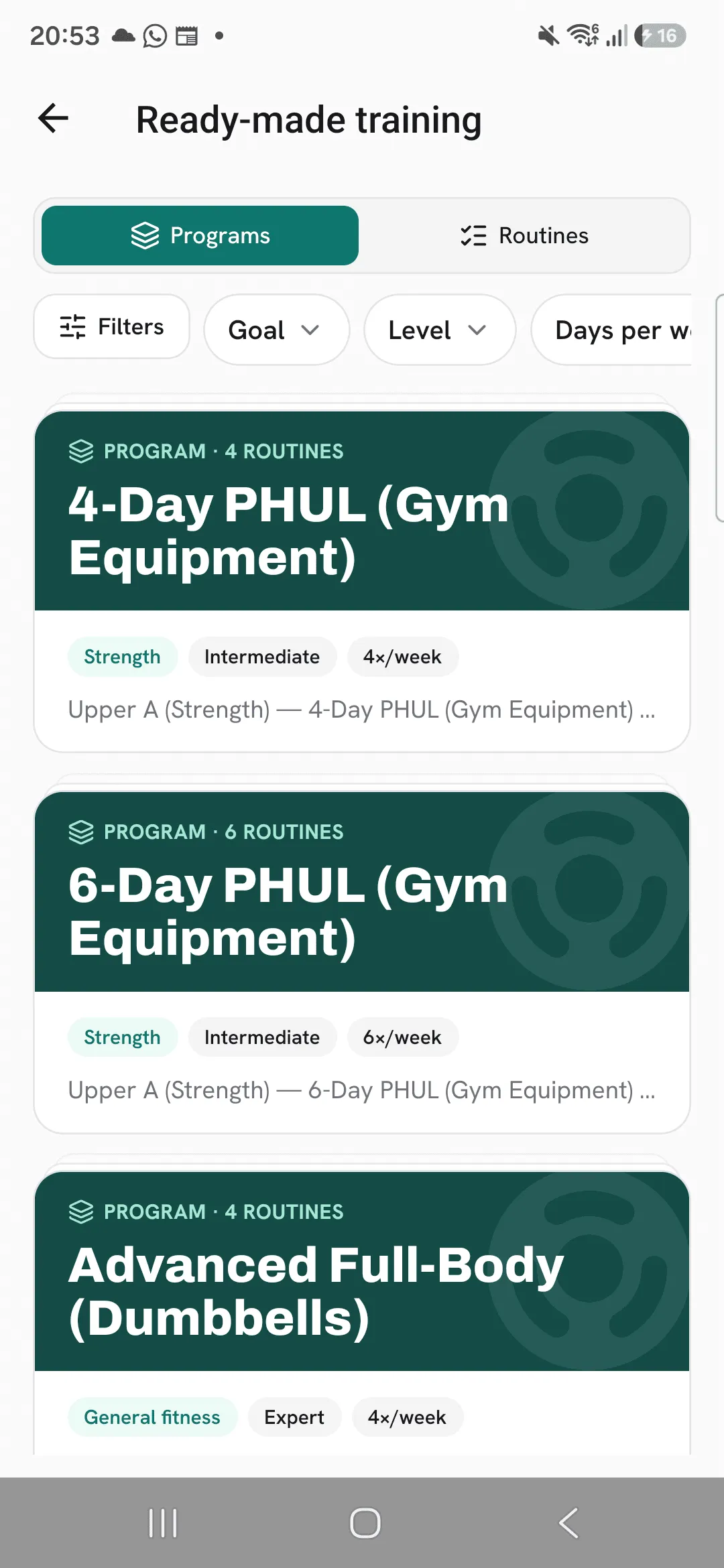
The library in Overlood holds ready-made programs and routines put together by Overlood, which you can browse, preview and copy into your own Train tab.
Writing a good program takes time and knowing what to put in it. The library gives you a finished one to start from. You see what every routine trains before you copy, and after that you can change it like anything you built yourself.
Open the library
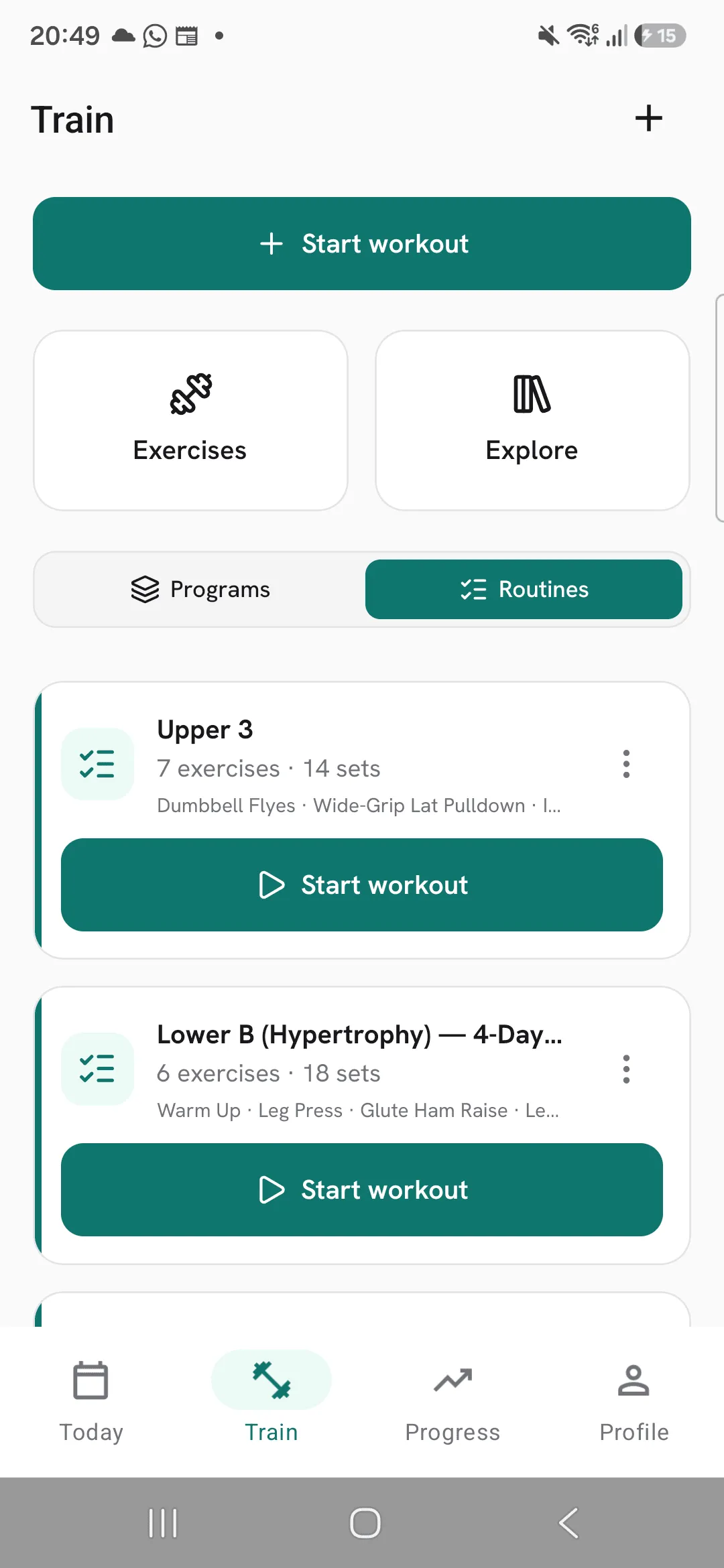
Open Train and tap Explore. Switch between Programs and Routines at the top.
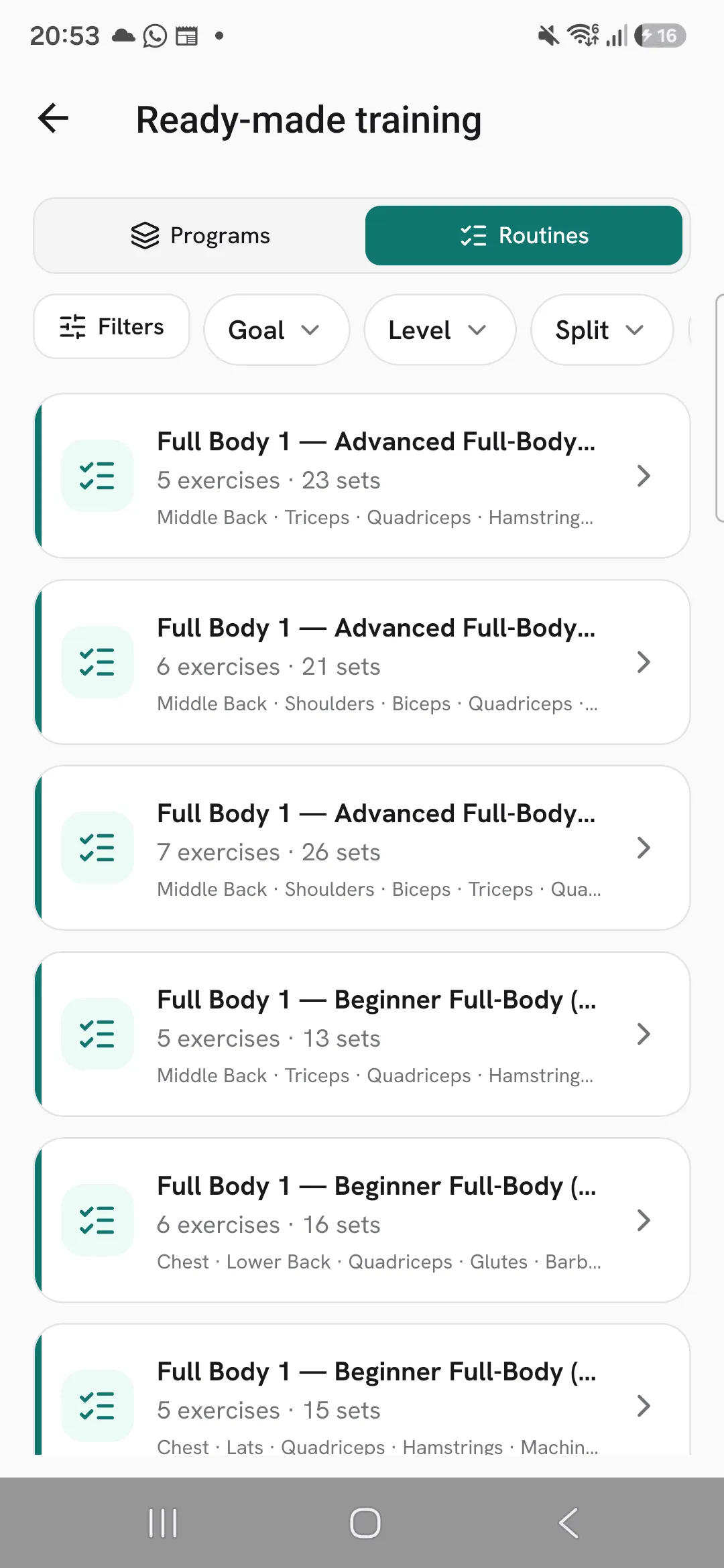
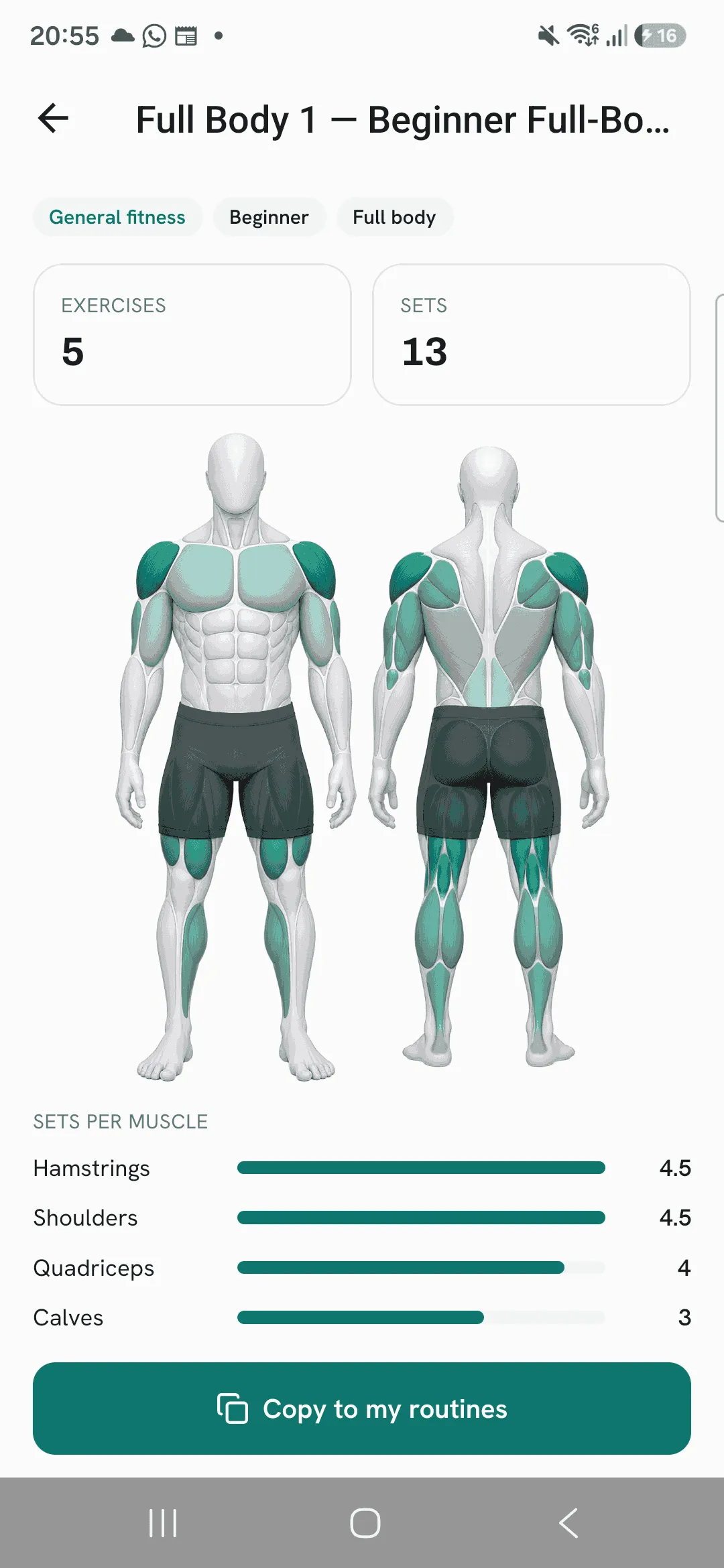
Each program shows how many routines it has, its goal, level and days per week, and the names of its routines. Each routine shows how many exercises and sets it has, and the muscles and equipment it uses.
Filter what you see
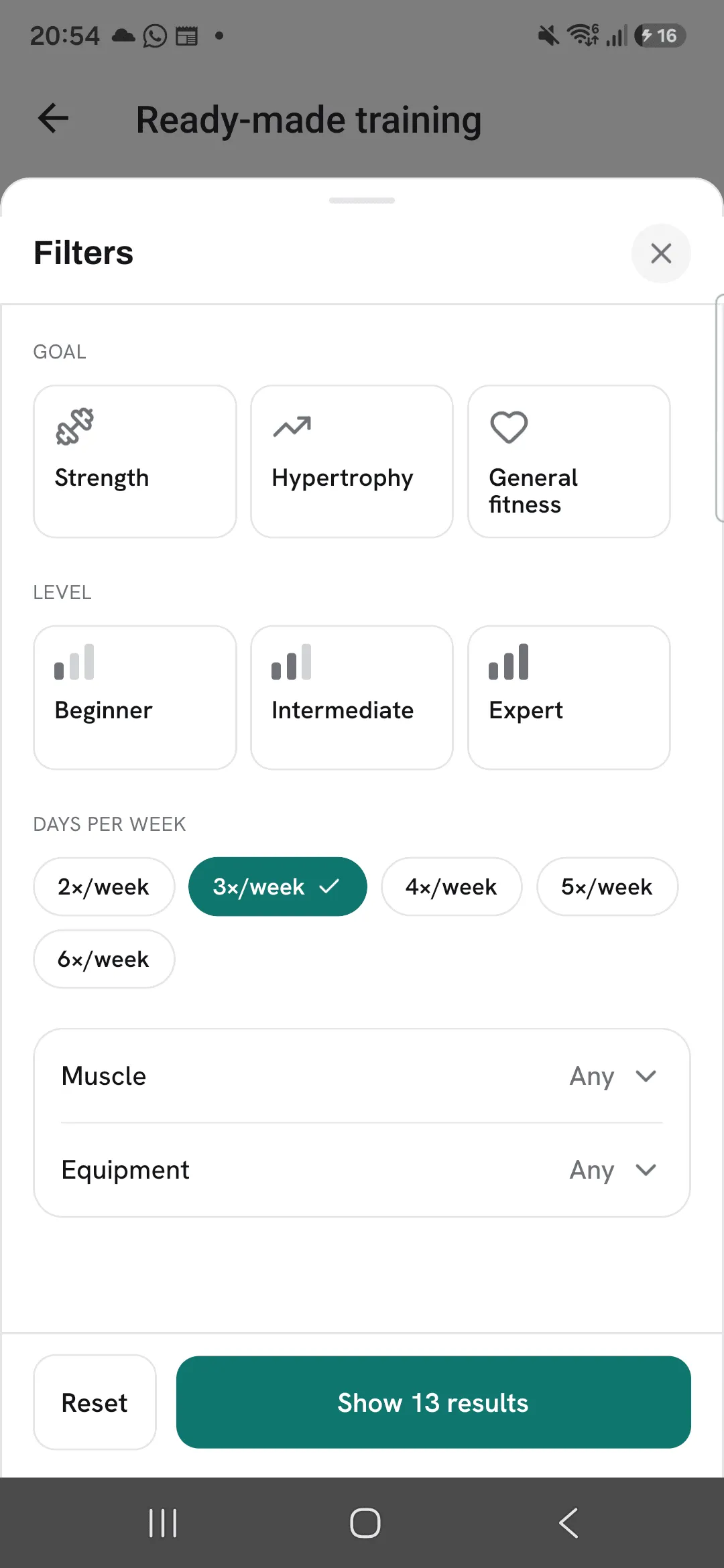
Tap a pill to filter, or tap Filters to set several at once:
- Programs: goal, level, days per week, muscle and equipment.
- Routines: goal, level, split, muscle and equipment.
Picking two values in one filter shows items that match either. Filters you set show as chips with a count of results, and Clear all removes them.
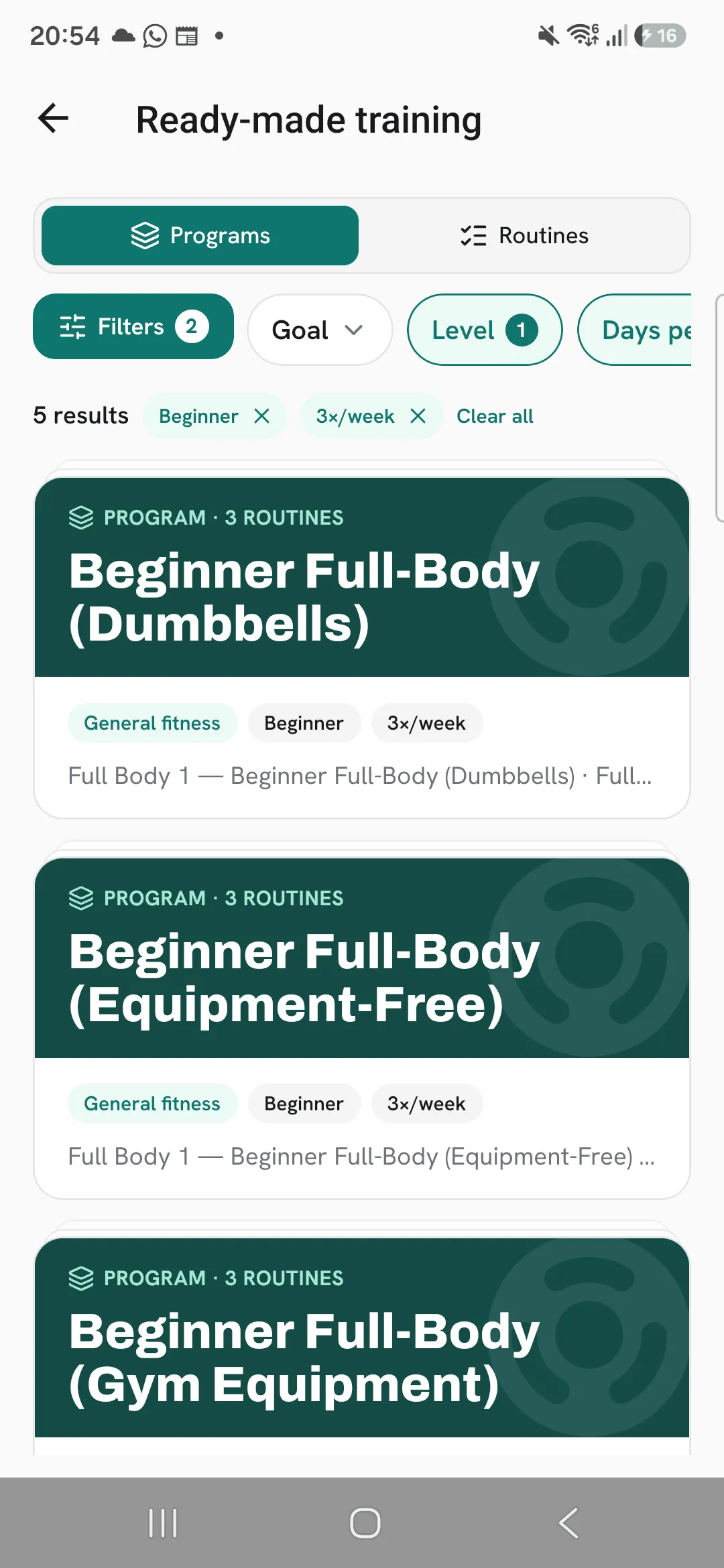
Preview before you copy
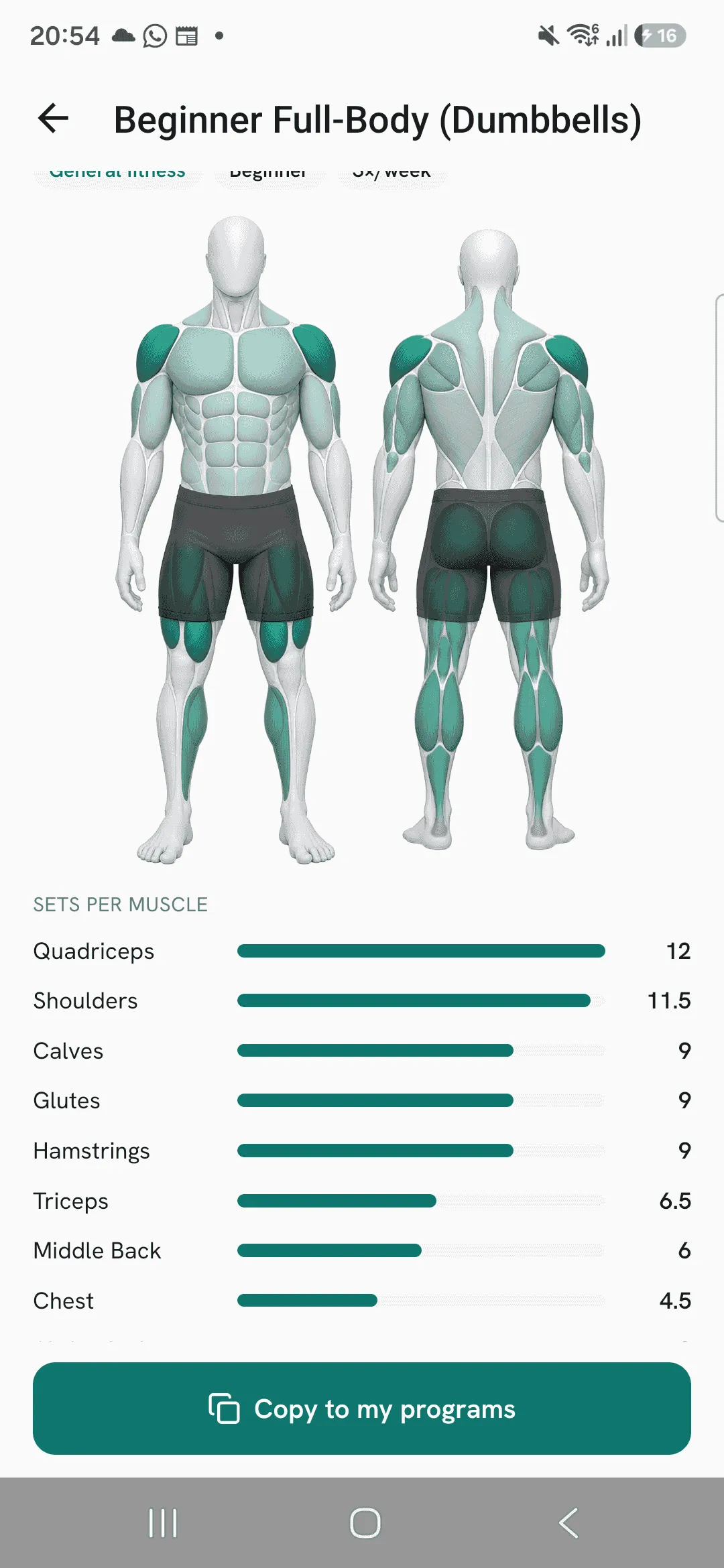
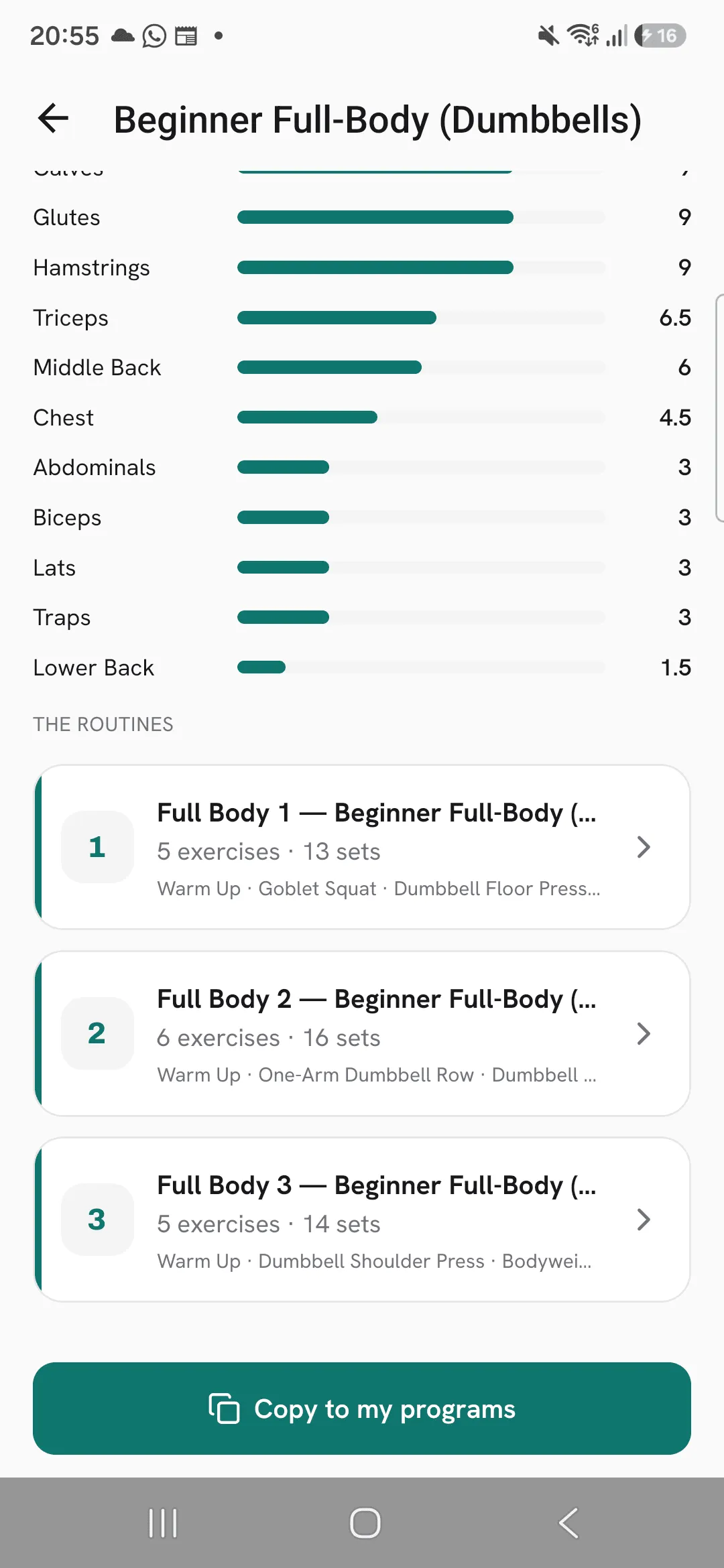
Tap a program to see its description, a muscle map with Sets per muscle for the whole program, and The routines in order. Tap any routine to open it.
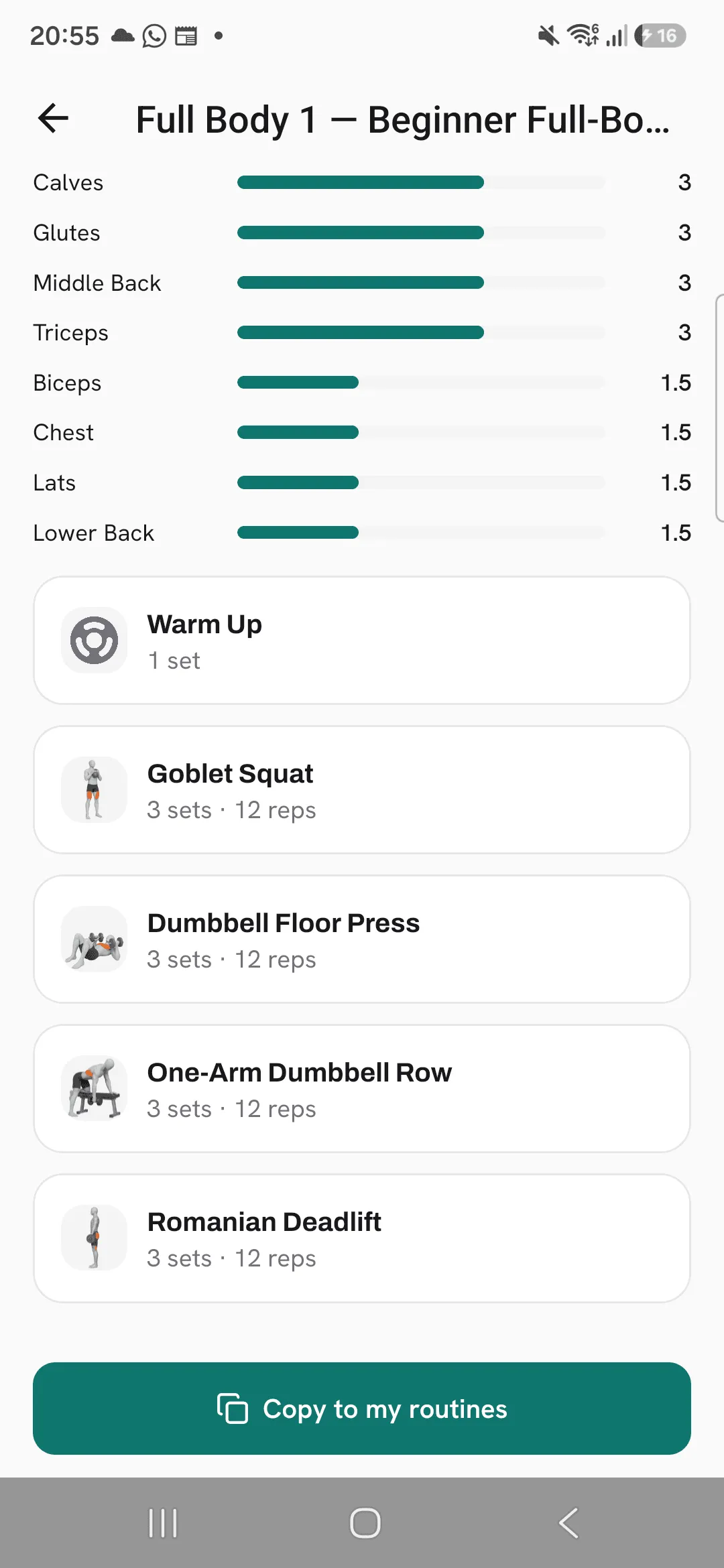
A routine shows its exercises with their sets and reps, and the rest where it has one, the muscle map for the routine, and any supersets it has.
Copy it to your Train tab
At the bottom of a program, tap Copy to my programs. The program and all its routines land in your programs on Train.
At the bottom of a routine, tap Copy to my routines. The copy opens in the routine editor, so you can change it straight away.
Your copy keeps the library’s name. Edit it, add it to a program or set targets for it, like any routine you made yourself.
Tips
- Filter by Days per week first. A program you can fit into your week beats a better one you can’t.
- Open a routine from inside a program to see its exercises, sets and rests before you copy the whole thing.
- Change anything after you copy. Your copy is yours, and the library version stays as it was.
Frequently asked questions
Does my copy change when the library version changes?
No. A copy is your own program or routine from the moment you make it.
What happens if I copy the same program twice?
You get two separate copies, each with its own routines. Delete the program you don’t need from Train, and its routines from your routines list.
Does copying a program copy its routines too?
Yes. Every routine you see in it is copied with it, in the same order.
