

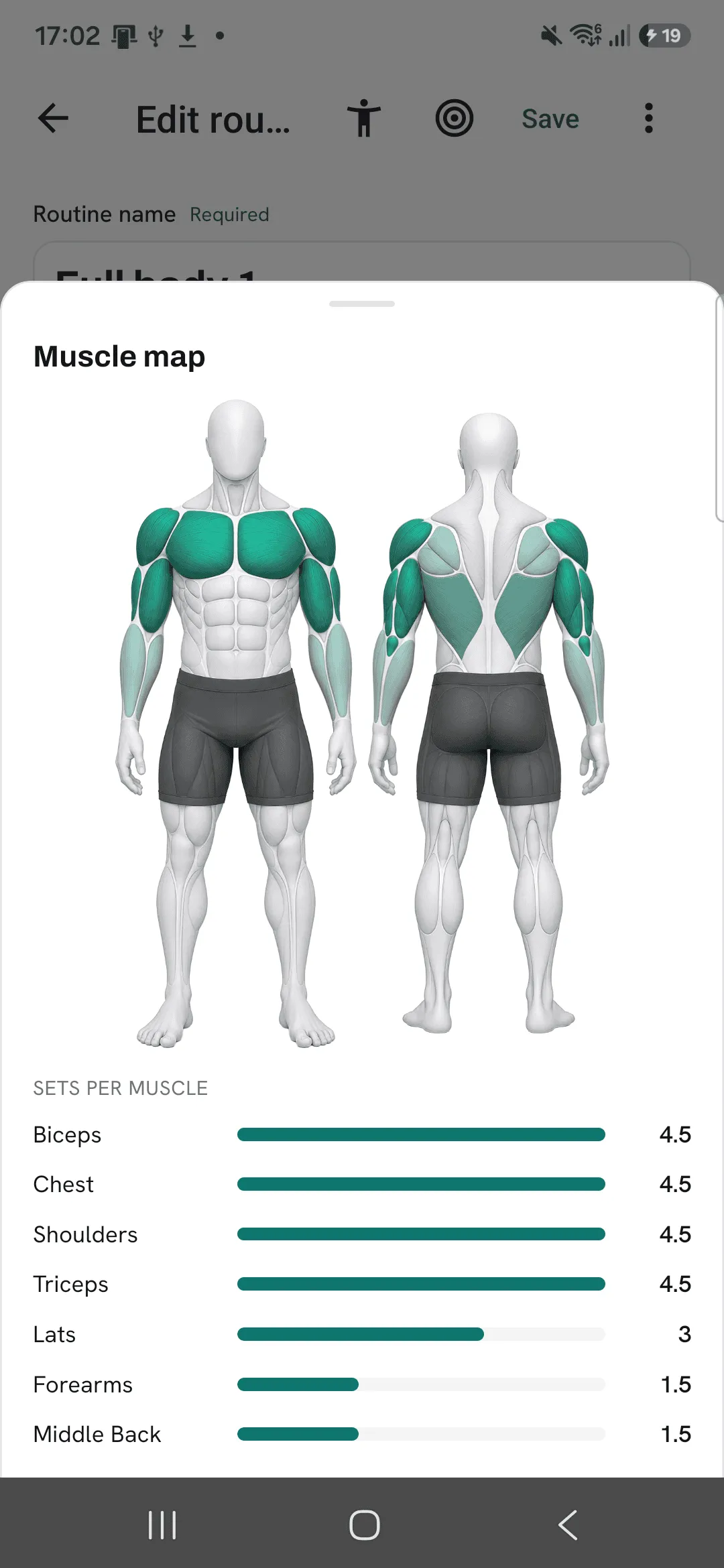
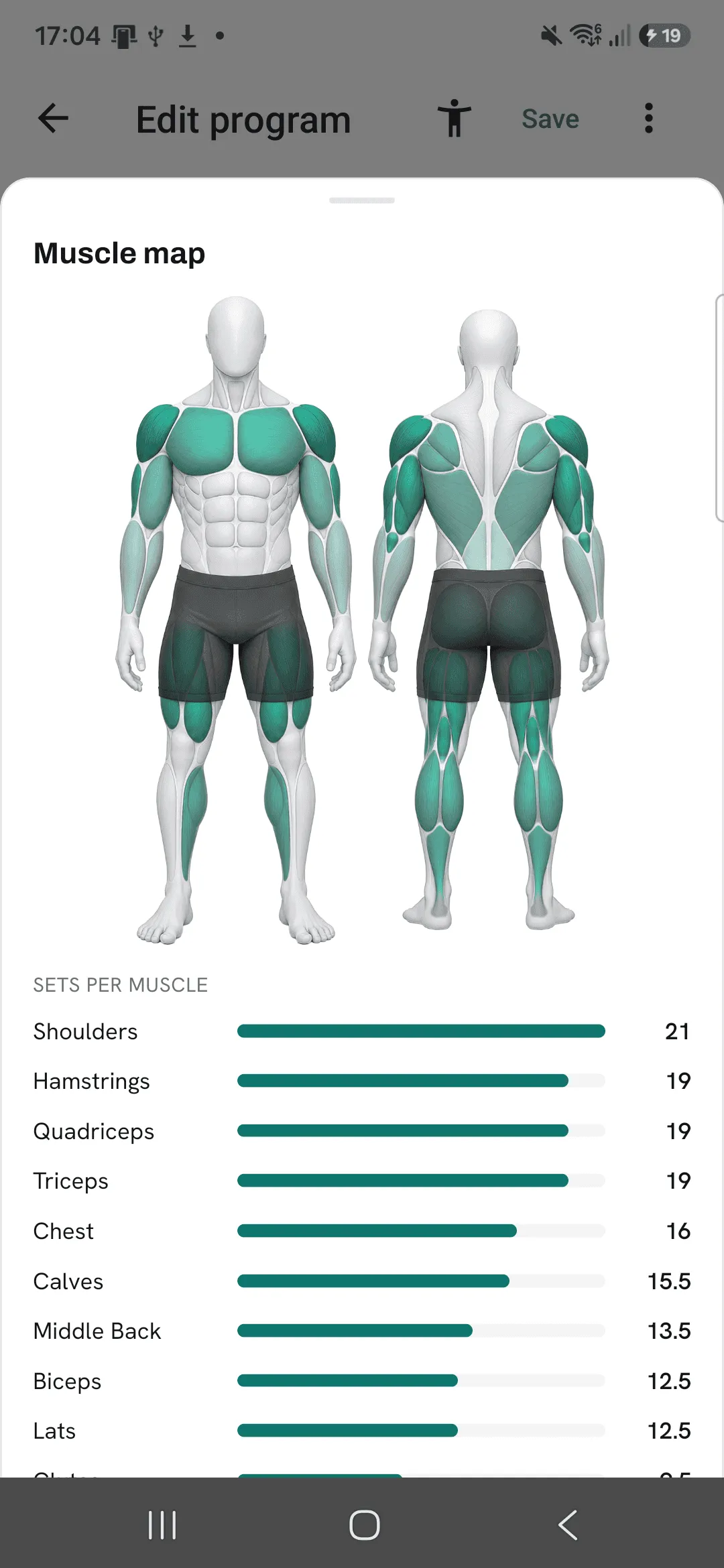
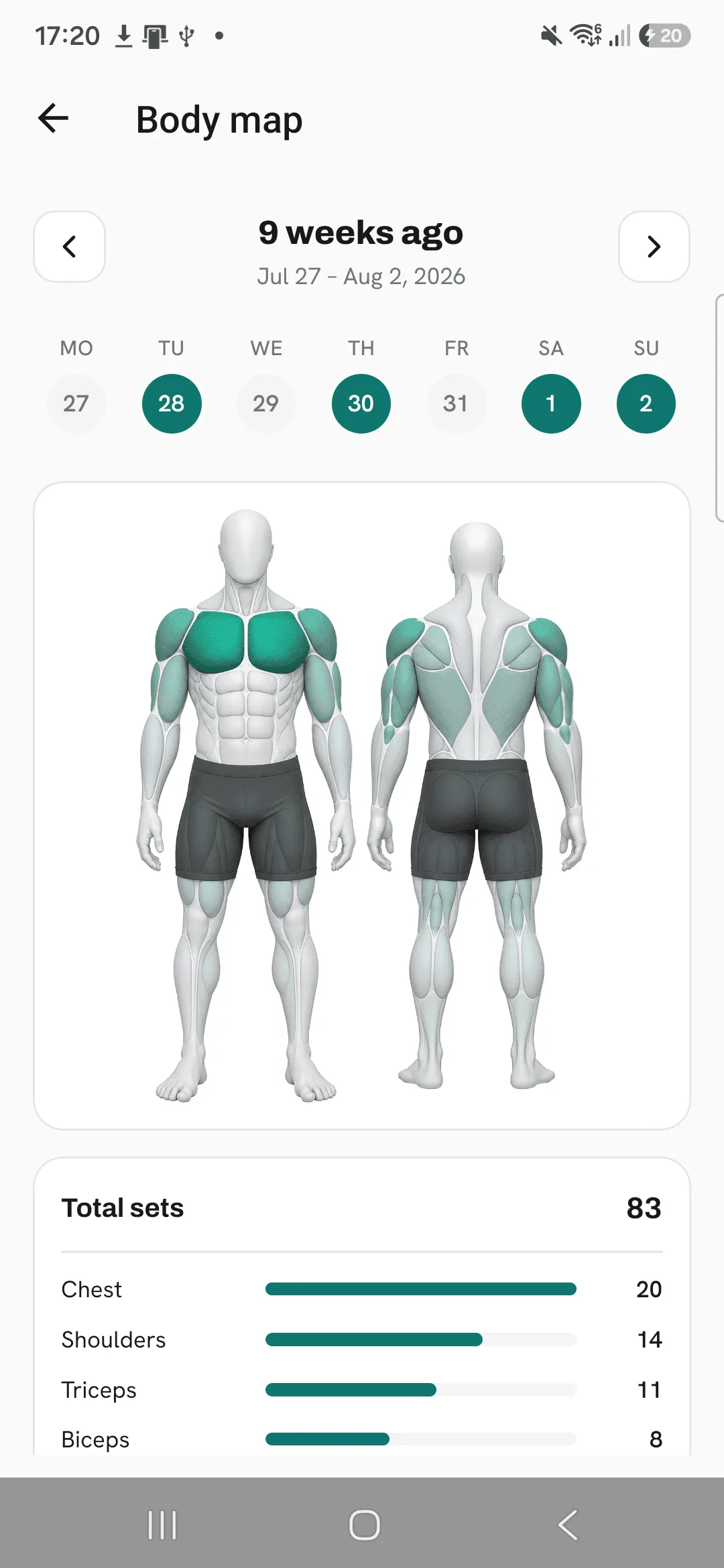
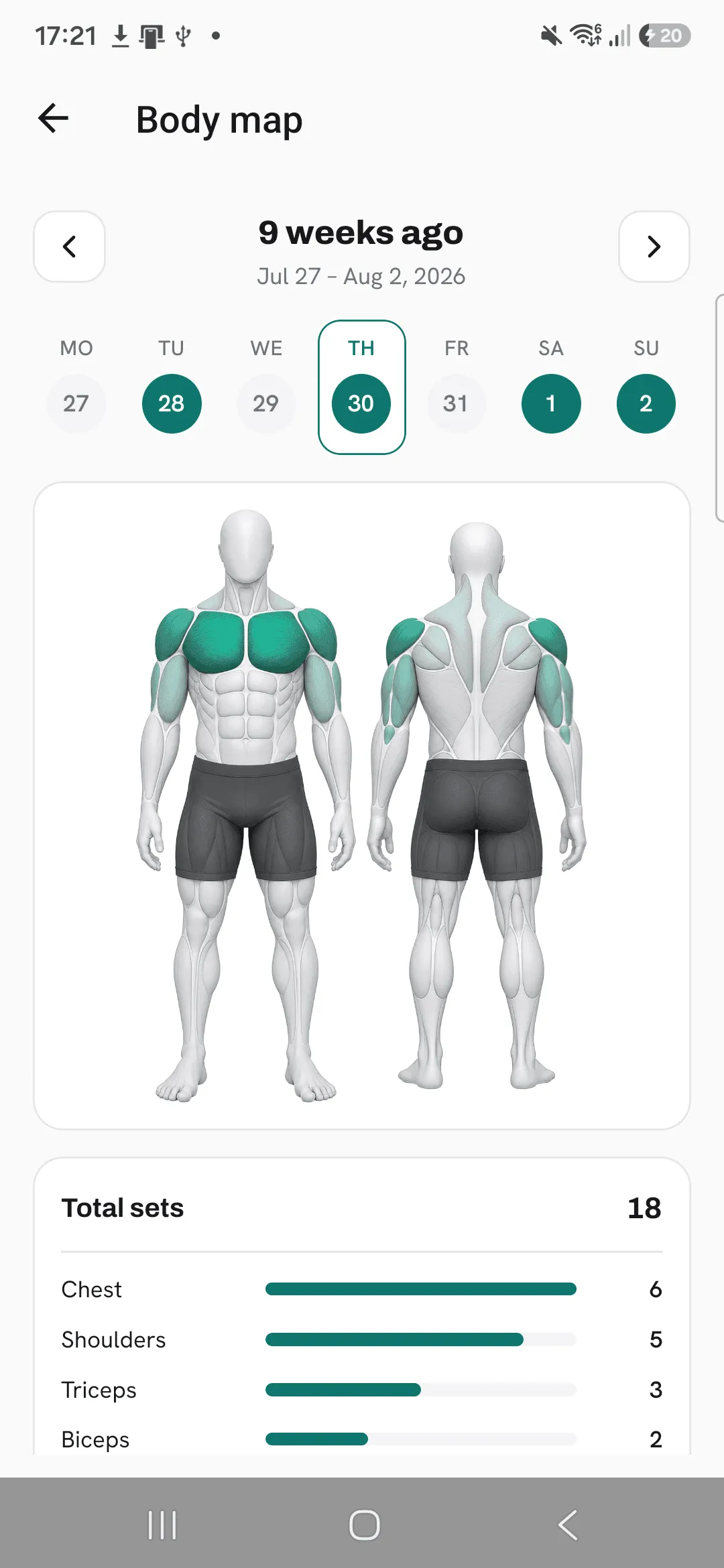
Overlood shades the muscles you train on a body figure, darker for the muscles that get the most sets.
Use it to see what a workout hit, or to find the muscle a routine or program leaves out.
Where you find it
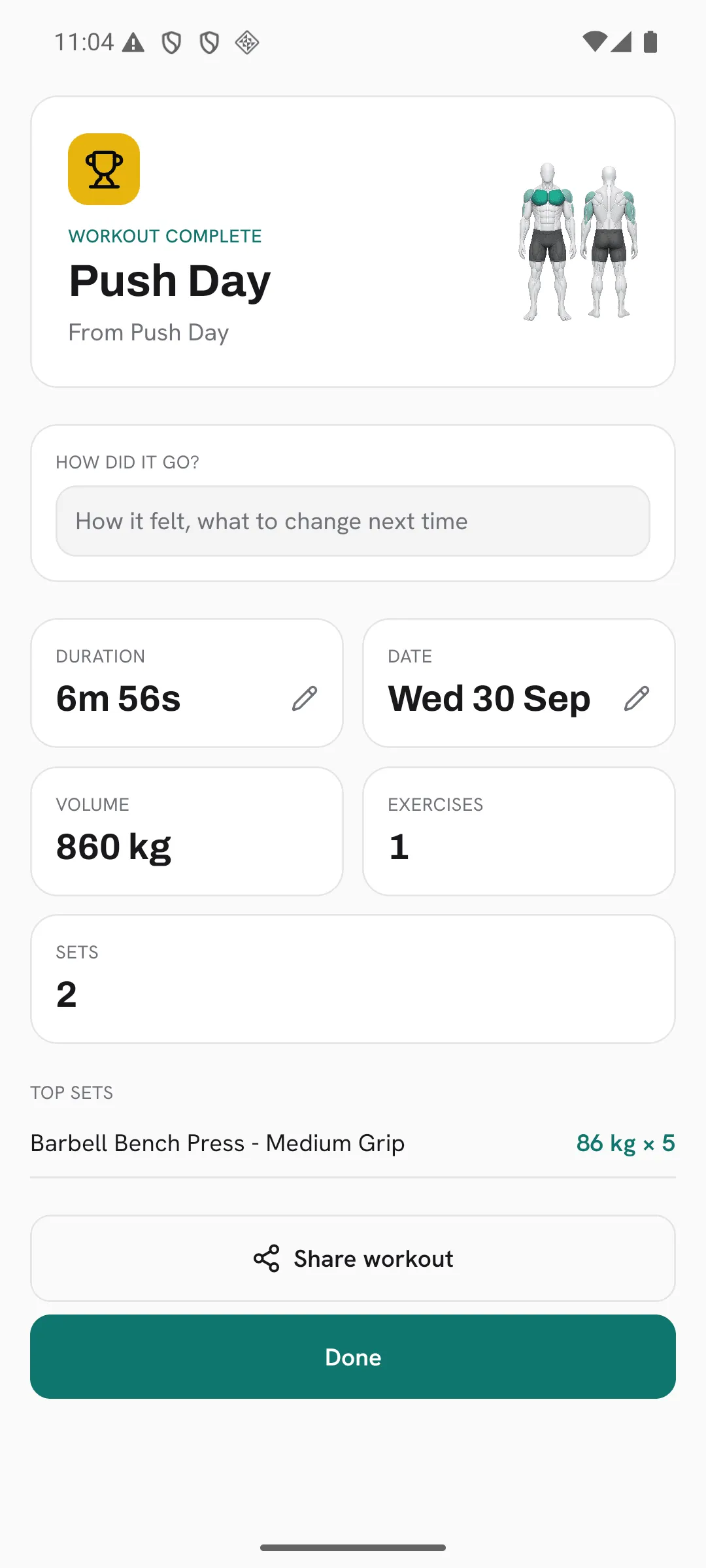
- After a workout: on the summary when you finish, and on the workout whenever you open it later.
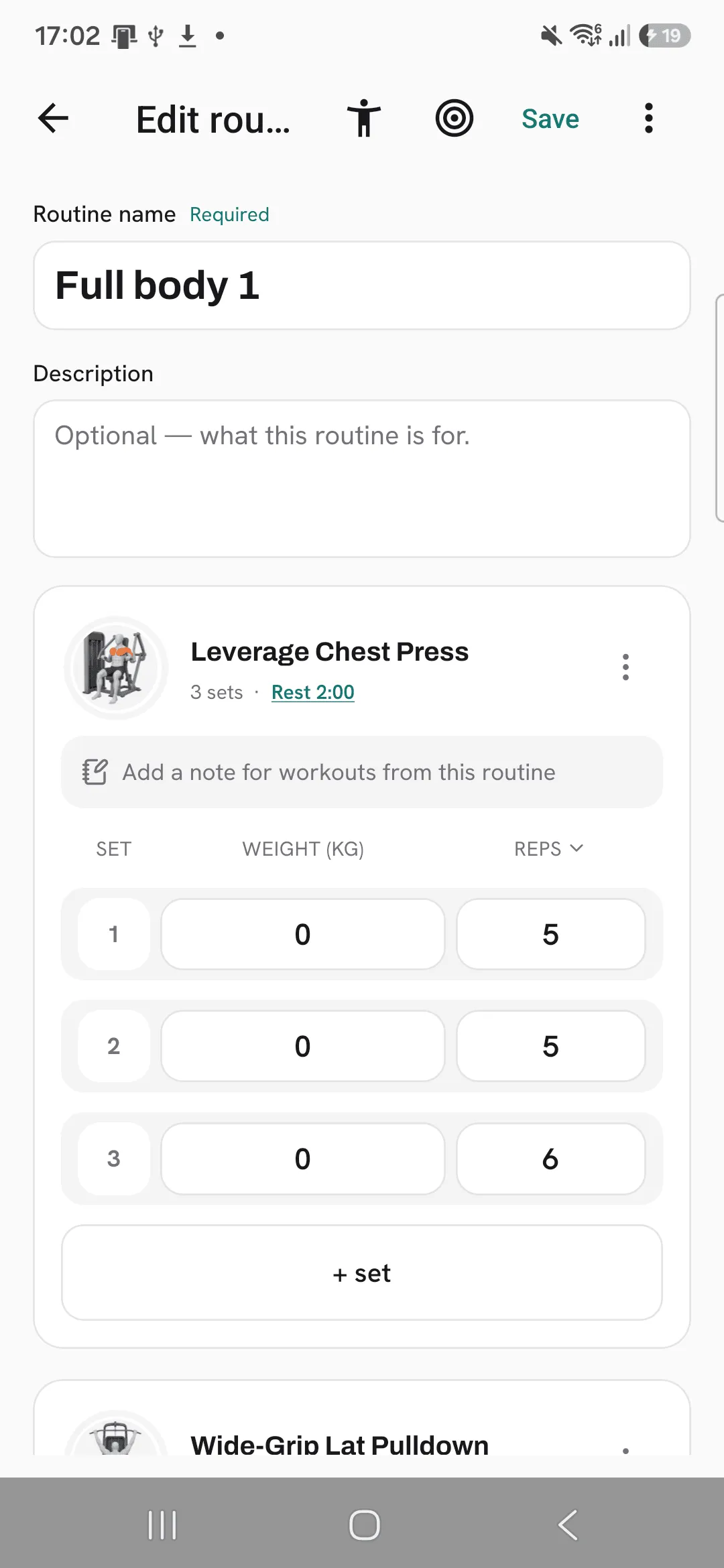
- In a routine: tap the muscle map icon in the routine editor to see what the routine trains.
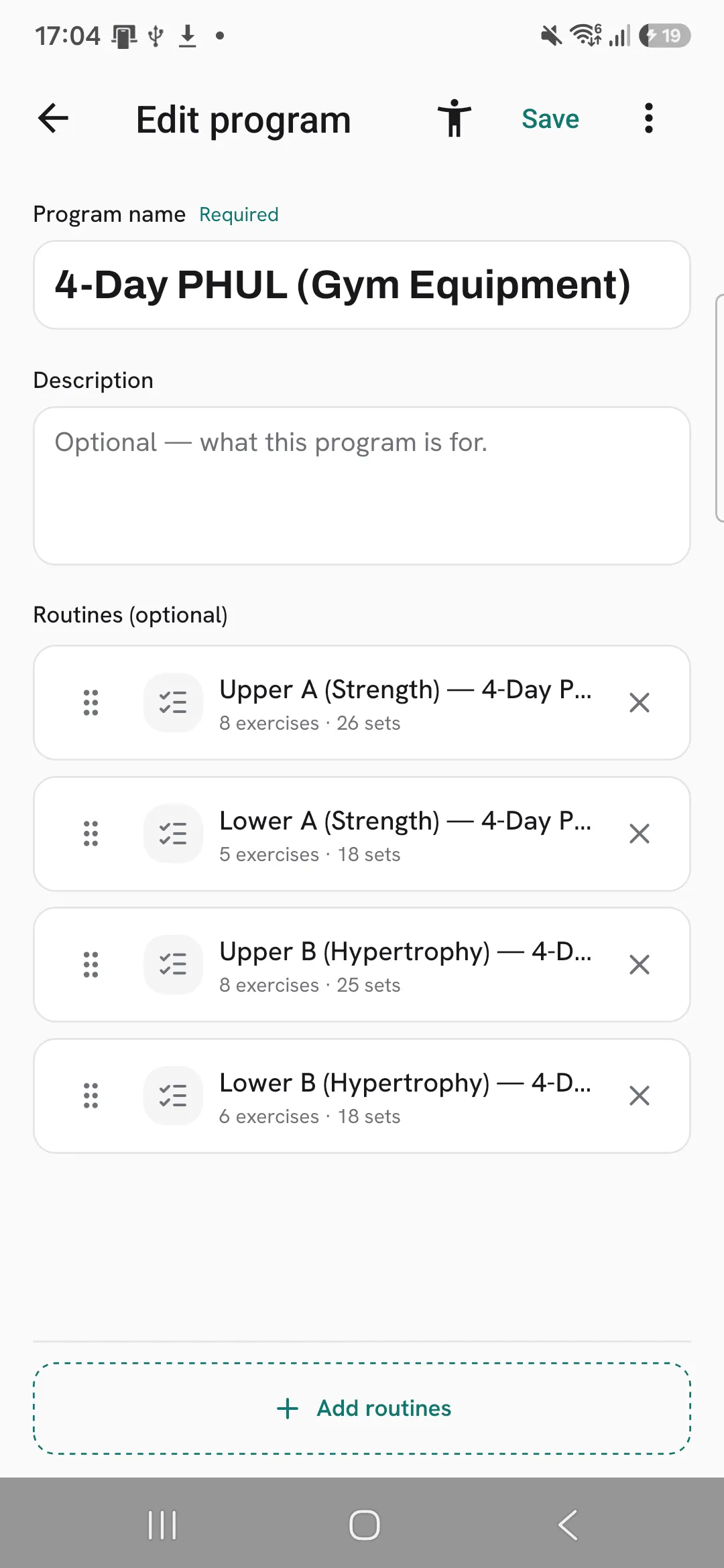
- In a program: tap the muscle map icon on the program’s edit screen to see what all its routines train together.
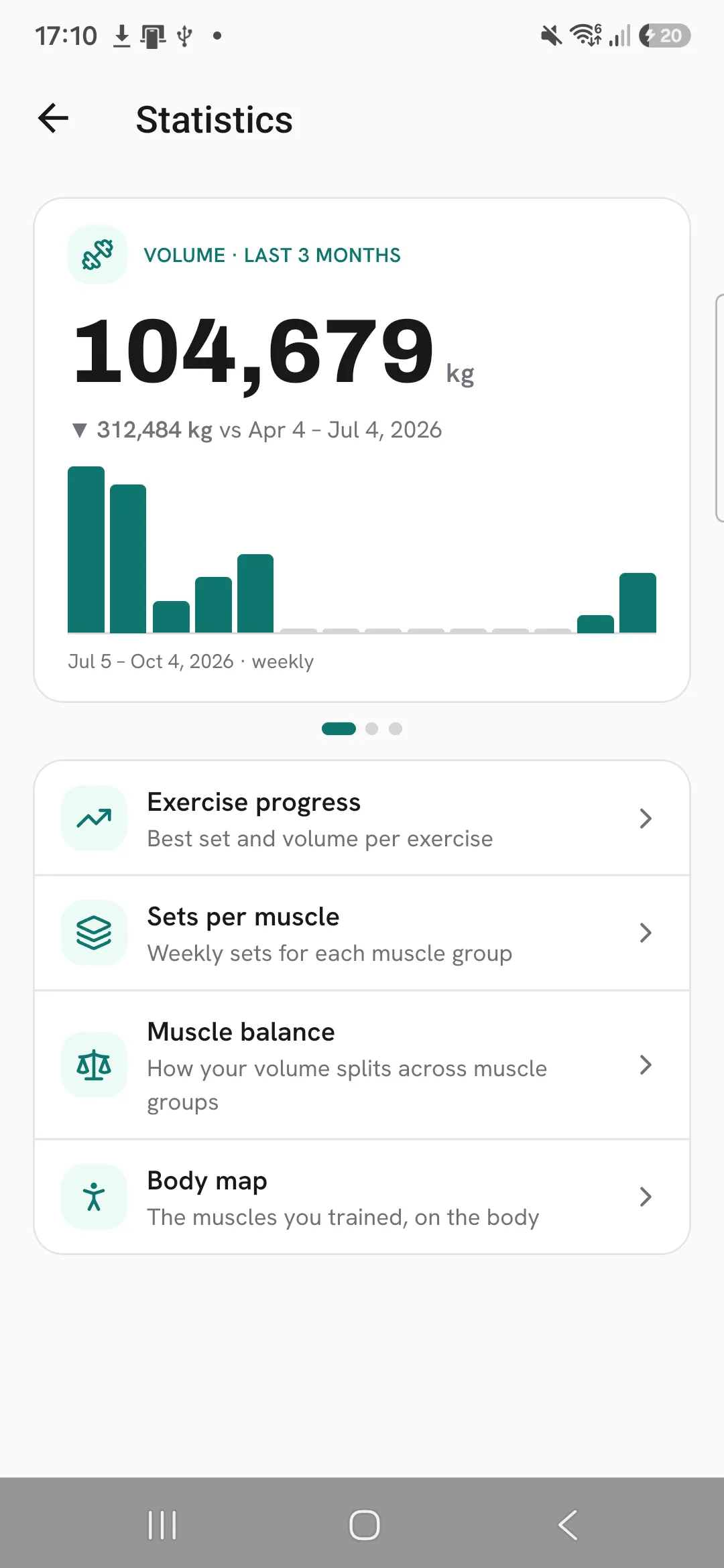
- Week by week: open Progress, then Statistics, then Body map.
Tap the small figure on a workout, or the muscle map icon in an editor, to see the sets per muscle as a list, with your most trained muscles at the top.
How sets are counted
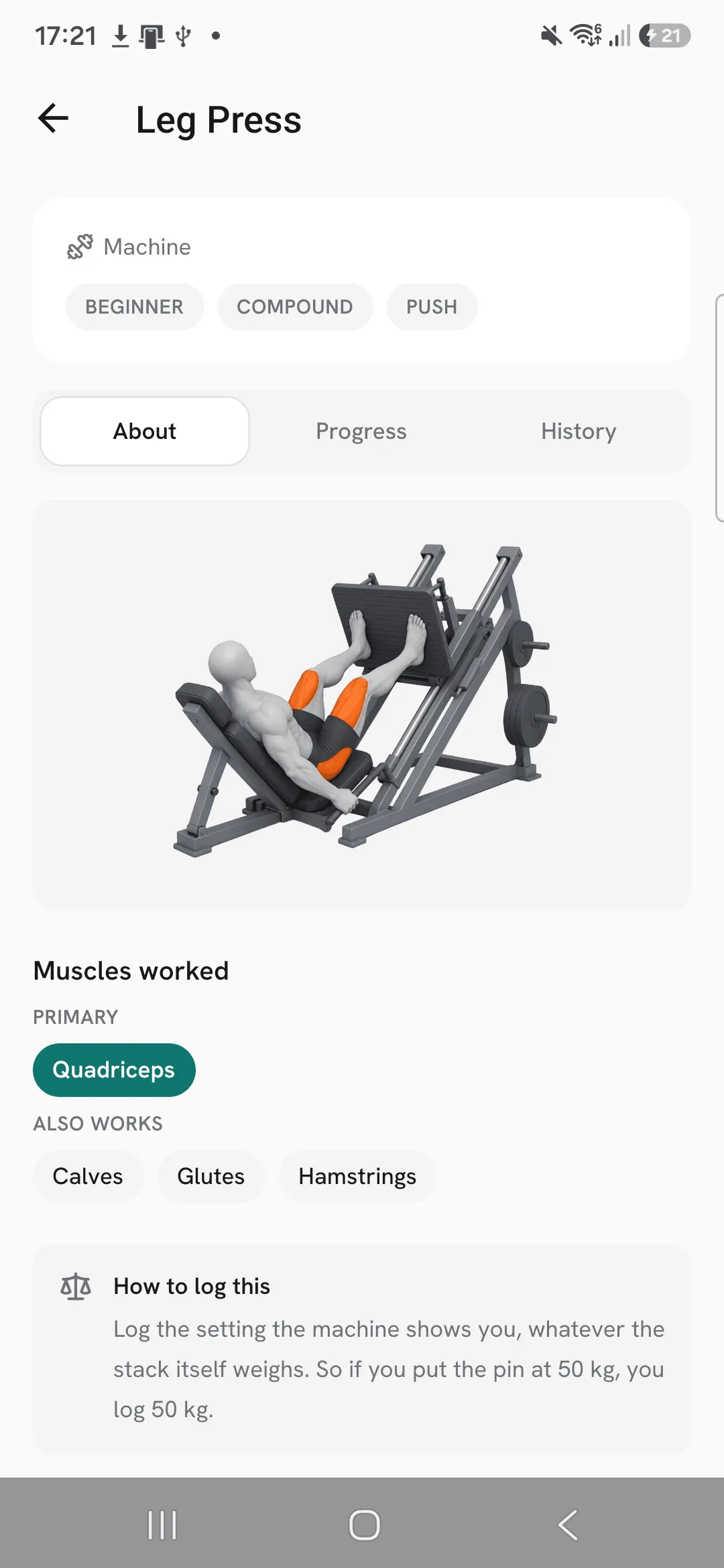
Each set counts in full for the exercise’s primary muscle, and half for each muscle it also works. An exercise’s About tab lists both.
- In a workout, only ticked sets count.
- In a routine or program, every set you prescribed counts.
- Warm-up sets are left out unless you turn on Count warm-up sets in stats under Profile, then Workout defaults.
Custom exercises use the muscles you gave them.
The body map
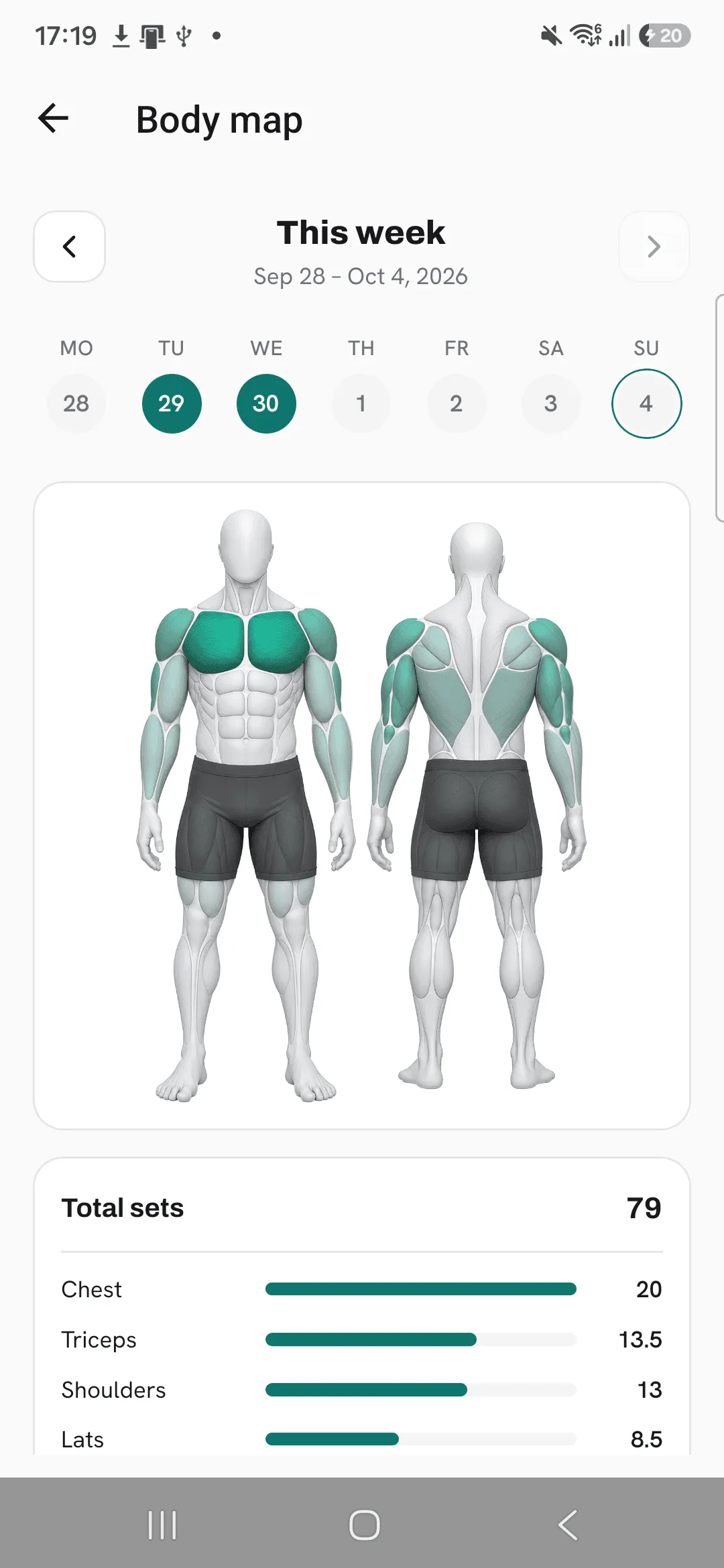
The Body map shows one week at a time. Step back through earlier weeks with the arrows, and tap a day to see only what you trained that day. The muscle list under the figure gives the total sets per muscle.
Tips
- Open the muscle map in the routine editor before you train, to spot a muscle the routine leaves out.
- Check a program’s edit screen to see what all its routines train together.
- Step back through earlier weeks on the Body map to compare them.
Frequently asked questions
How are sets counted per muscle?
Each set counts in full for the exercise’s primary muscle and half for each muscle it also works.
Do warm-up sets count?
Not unless you turn on Count warm-up sets in stats under Profile, then Workout defaults.
What about custom exercises?
They use the muscles you gave them.
