

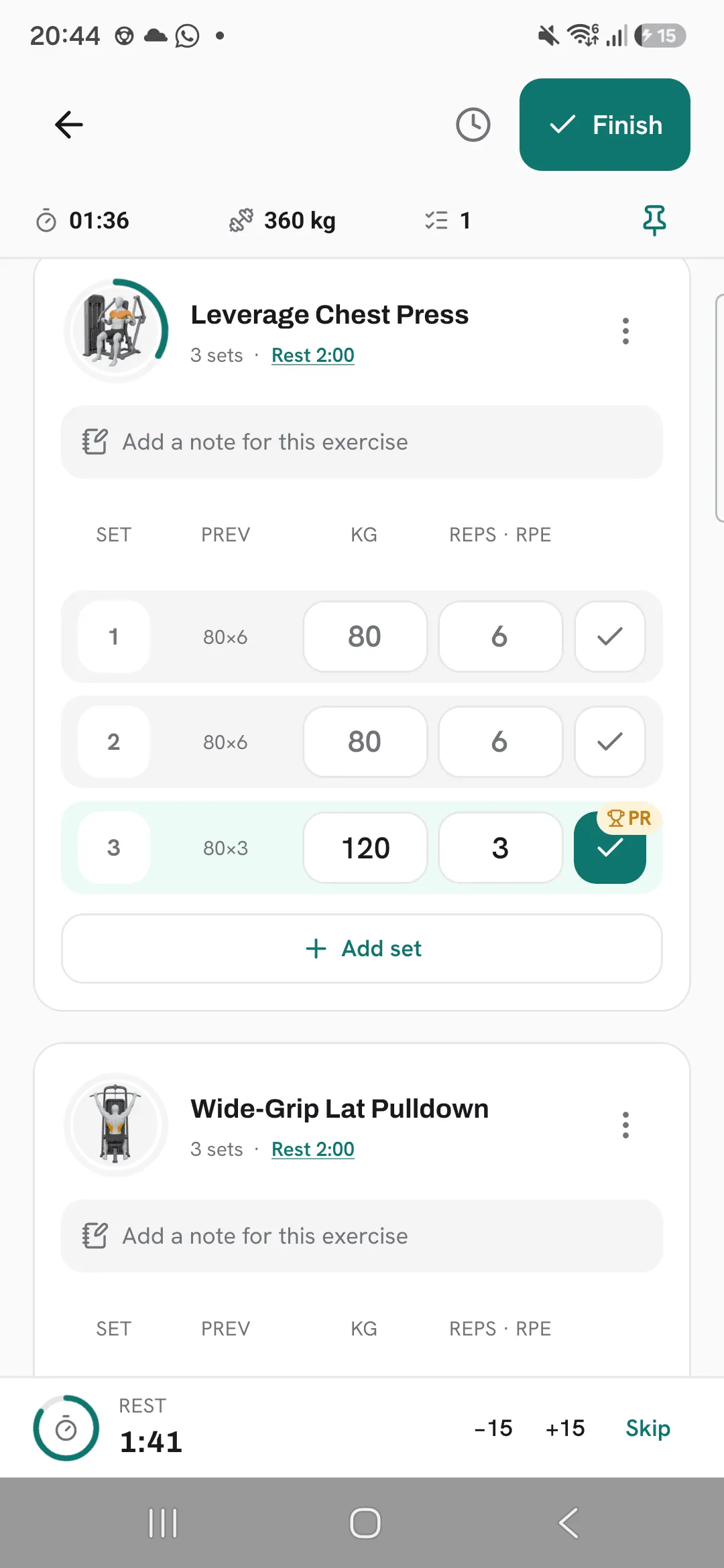
Every set you tick is checked against your best for that exercise. Beat it and the set gets a PR badge while you’re still at the bar.
What counts as a record
Each exercise keeps its own records. Which ones apply depends on how the exercise is logged.
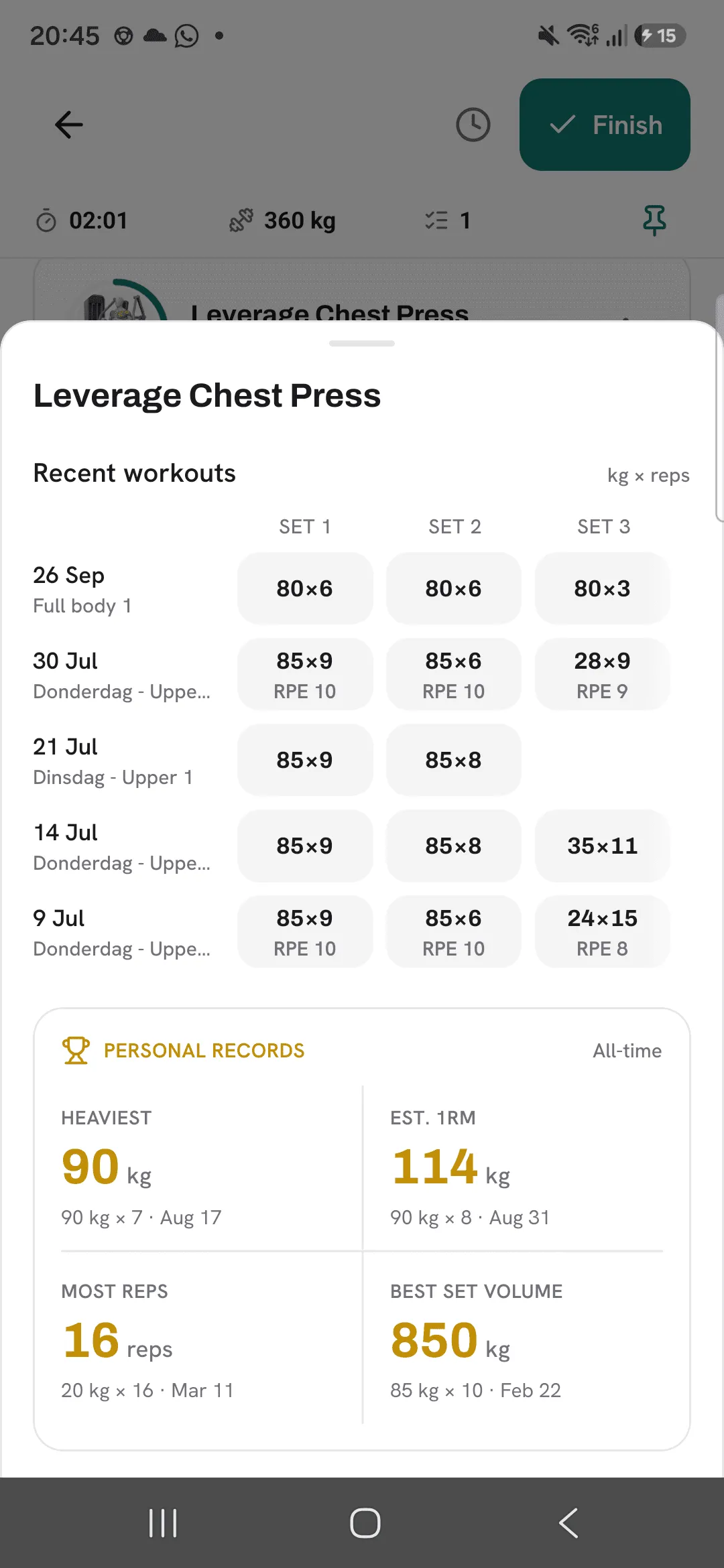
- Heaviest: the most weight on a single set.
- Est. 1RM: your estimated one-rep max, worked out from a set’s weight and reps with the Epley formula.
- Most reps: the most reps in a single set.
- Best set volume: the highest weight times reps in a single set.
- Longest time: the longest single set, for exercises logged by time.
- Furthest: the longest distance in a single set, for exercises logged by distance.
The first time you log an exercise sets your starting point, so it doesn’t show a PR. From then on, any set that beats your best does.
Warm-ups and set types
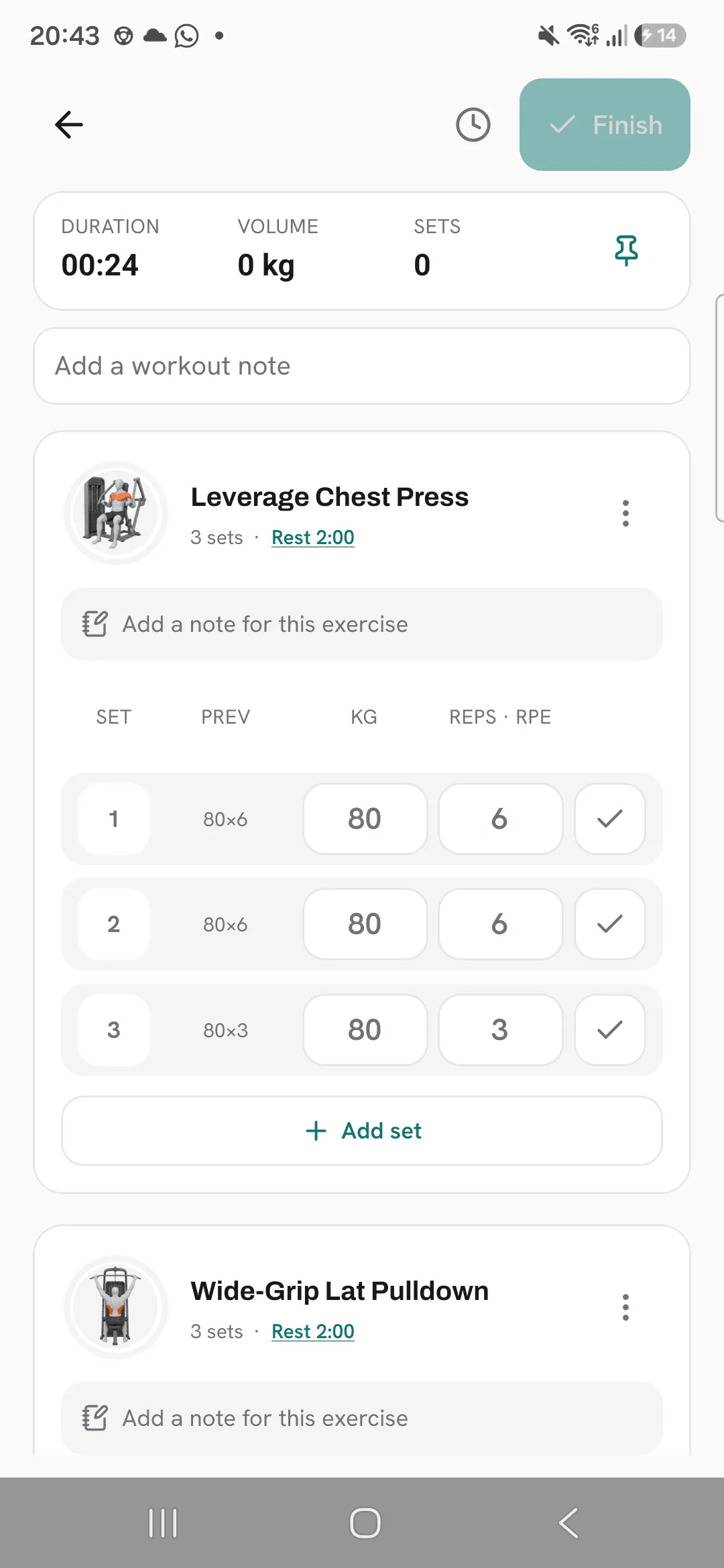
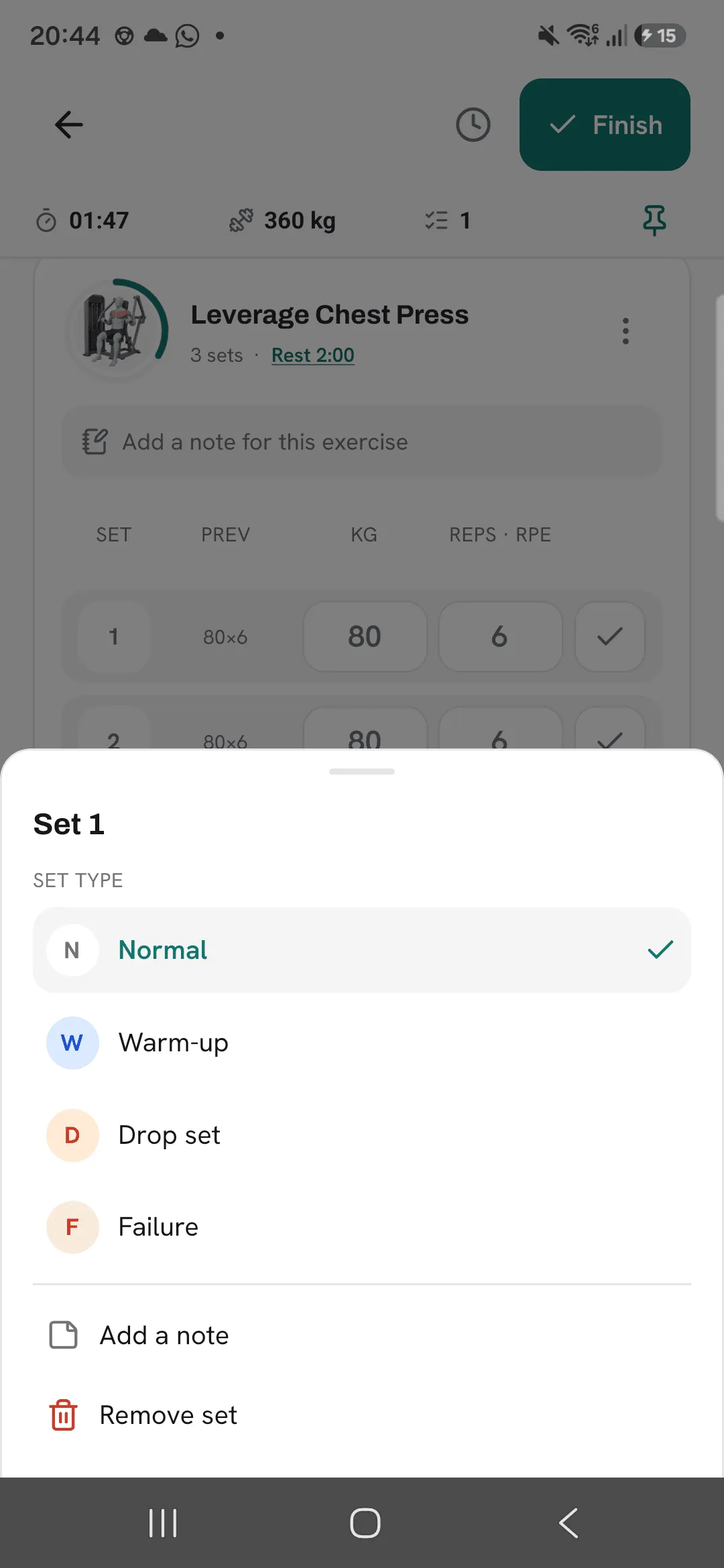
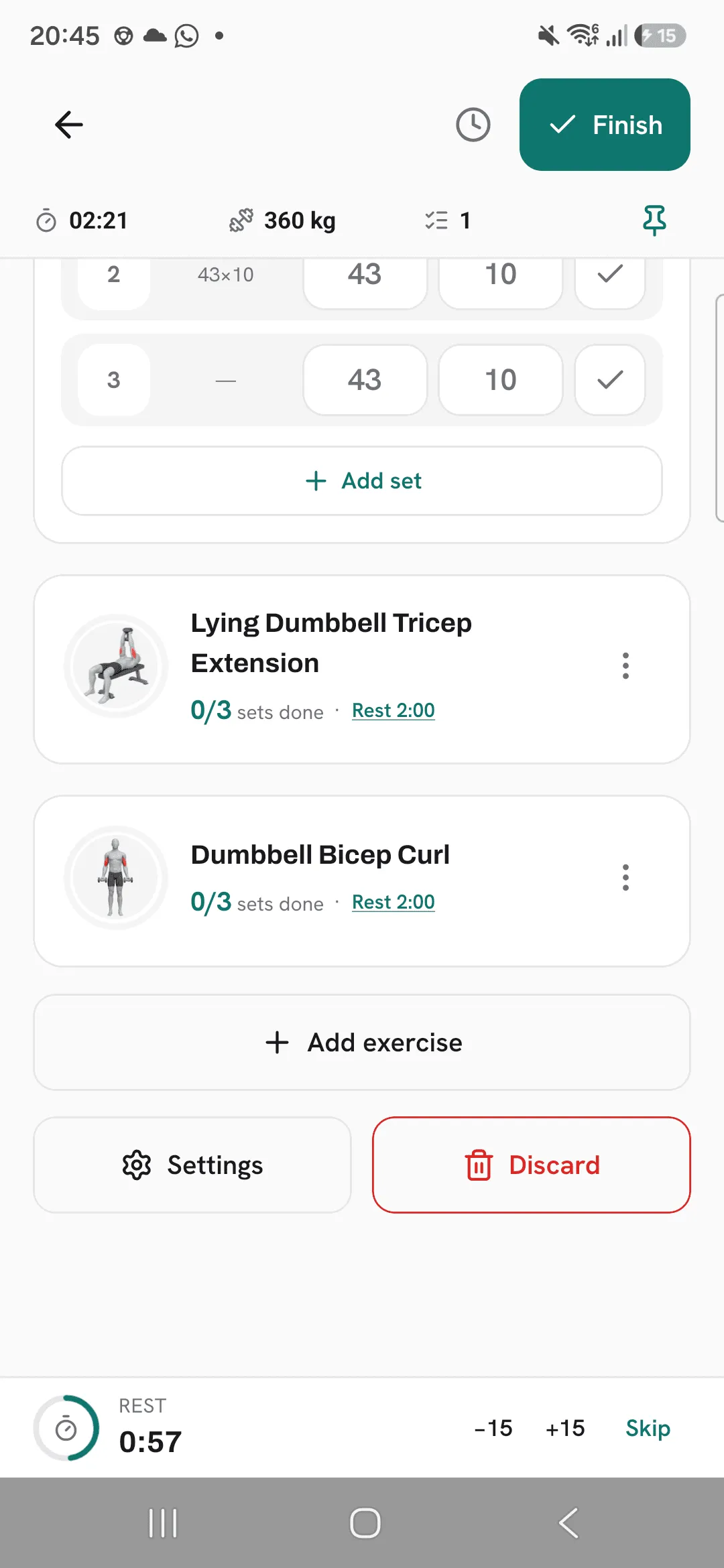
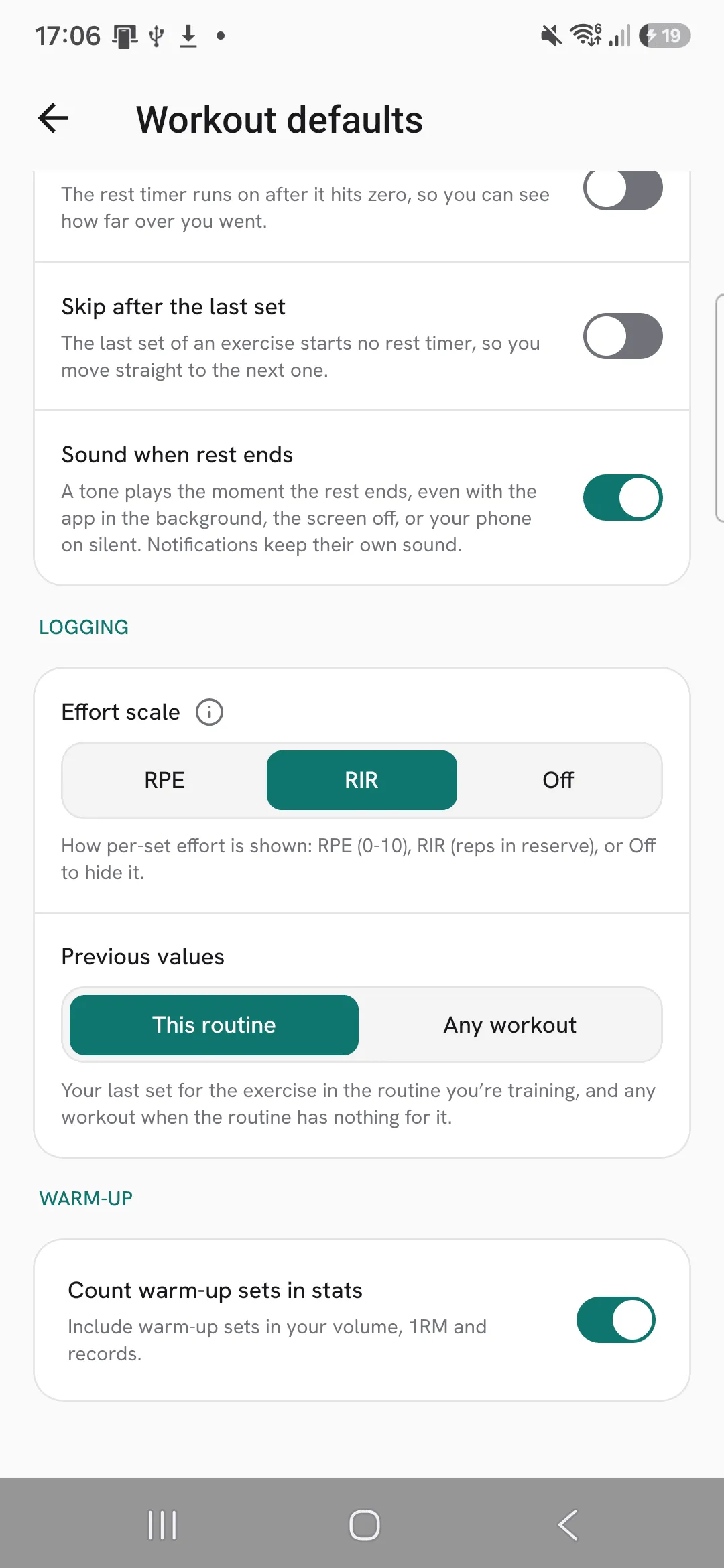
Only ticked sets count. Tap a set’s number to give it a type: Normal, Warm-up, Drop set or Failure. Drop sets and failure sets always count. Warm-up sets are left out unless you turn on Count warm-up sets in stats under Profile, then Workout defaults, or tap Settings at the bottom of a running workout, under Add exercise.
Where you see them
- While you log: a trophy badge appears on the set the moment you tick it.
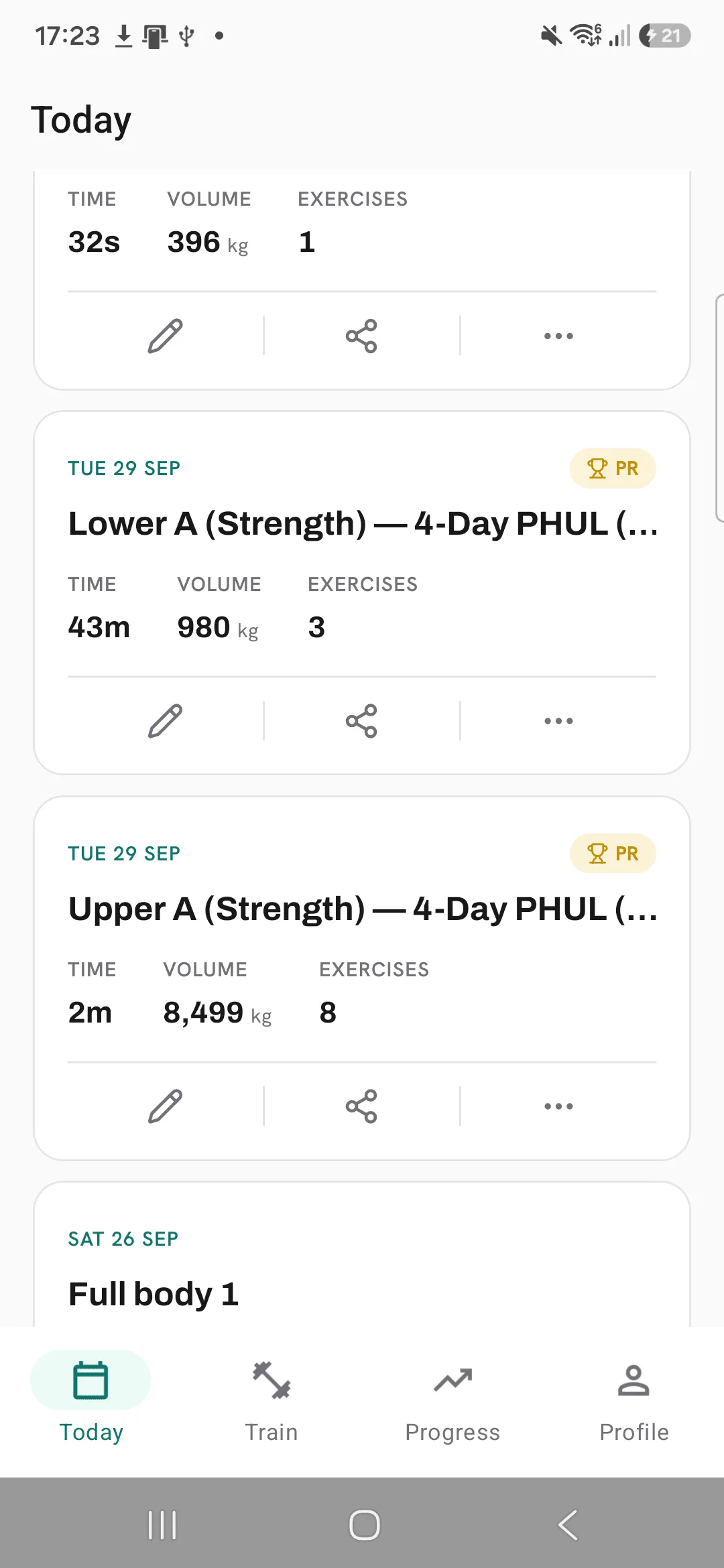
- On Today: a workout with a new record carries a PR tag on its card under Recent workouts, and the workout lists its personal records when you open it.
- Per exercise: tap the previous values on a set. The sheet shows that exercise’s recent workouts, then its all-time records. The exercise’s Progress tab shows the records too.
Workouts you import from another app count toward your records, the same as the ones you log.
Tips
- Import your Hevy or Strong history first, so your records start from your real best.
- Mark warm-ups as warm-up sets. They stay out of your records unless you choose to count them.
- Before a heavy set, tap its previous values to see the numbers you’re chasing.
Frequently asked questions
How is estimated 1RM calculated?
From a set’s weight and reps with the Epley formula: weight × (1 + reps ÷ 30). 100 kg for 5 reps works out to 116.7 kg.
Why didn’t my first set of a new exercise show a PR?
The first time you log an exercise sets your starting point. From then on, any set that beats your best shows a PR.
Do imported workouts count?
Yes, the same as the workouts you log in Overlood.
Do drop sets and failure sets count?
Yes, always. Warm-up sets are left out unless you turn on Count warm-up sets in stats.
