

Every exercise you log in Overlood gets its own progress chart, built from your workouts. From one workout to the next it’s hard to tell if a lift is going up. Over a few months on a chart, you can see it.
Open a chart
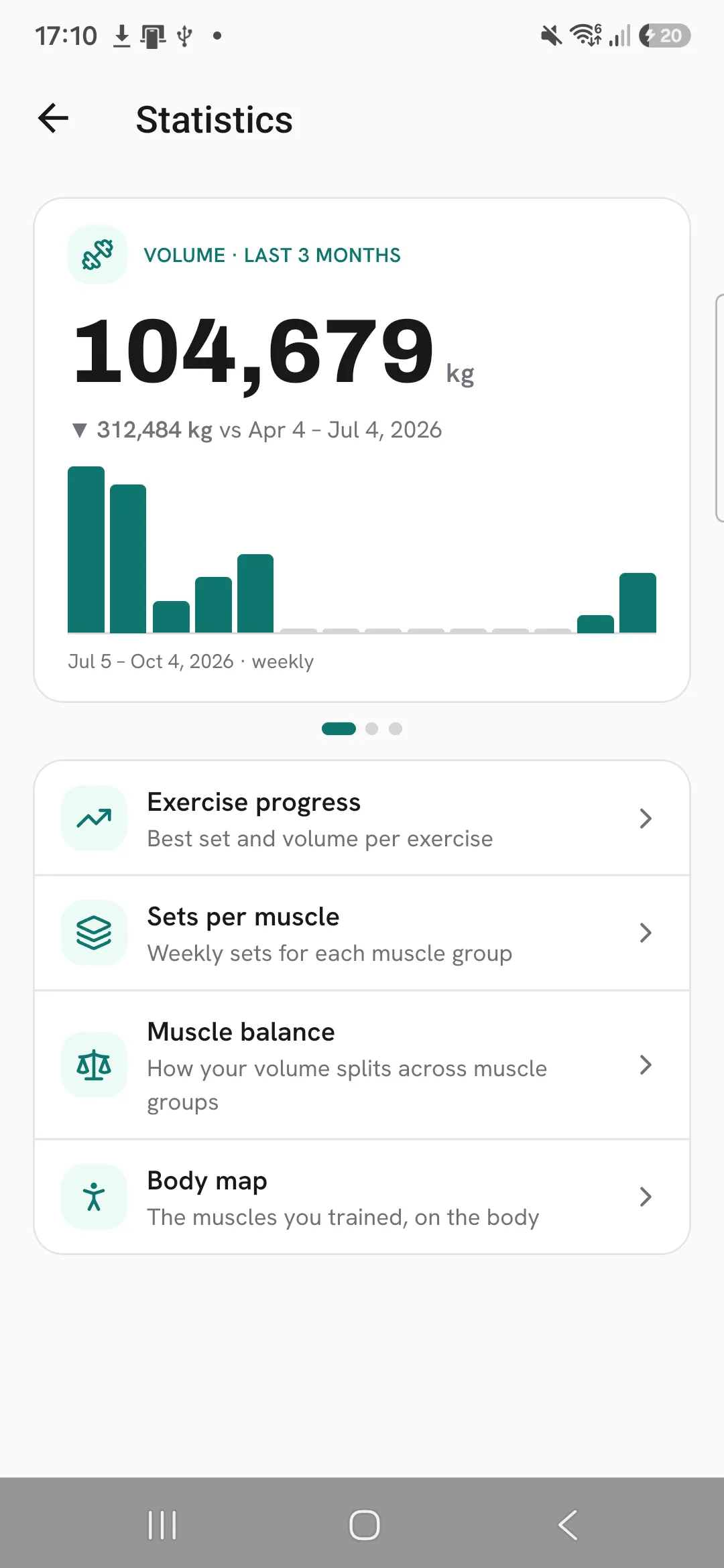
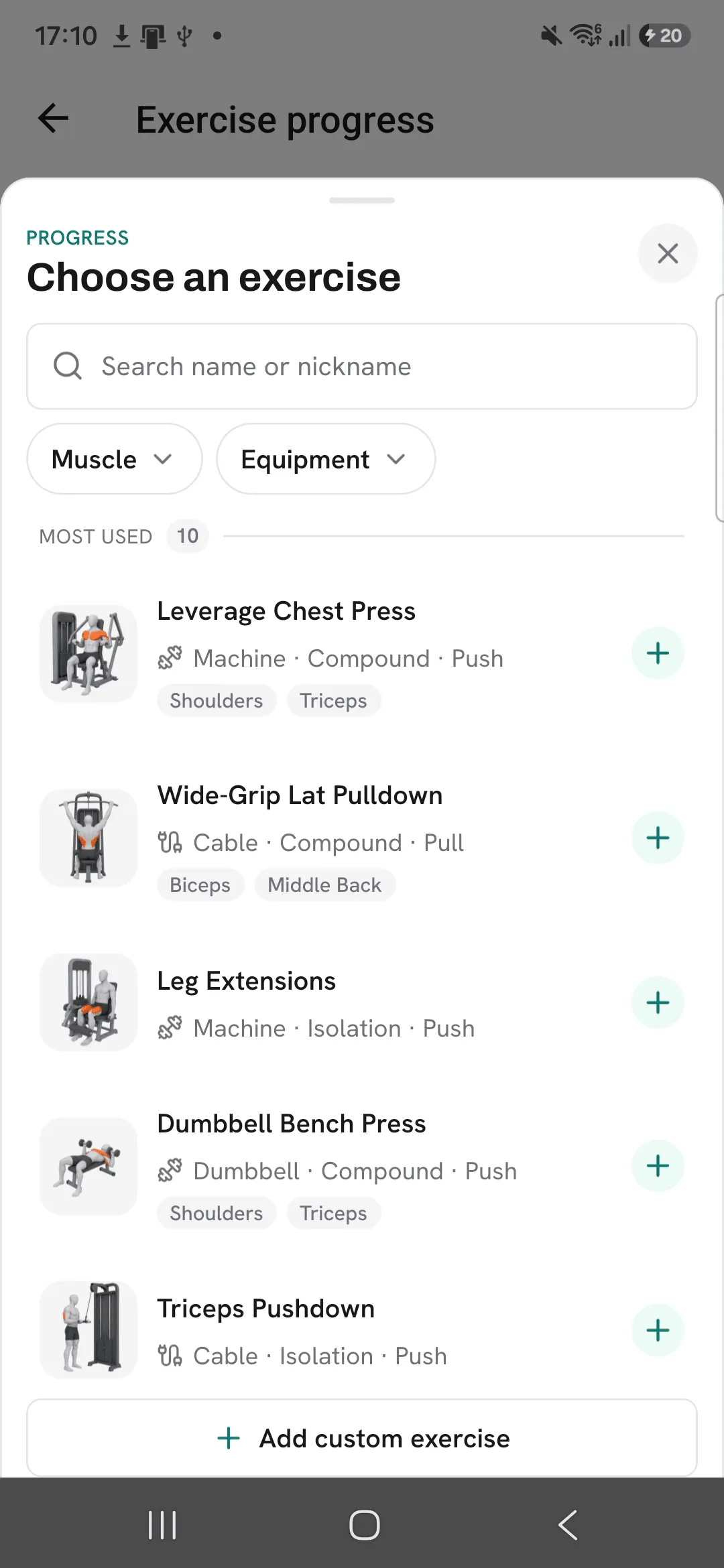
- Open Progress, then Statistics, then Exercise progress, and pick an exercise.
- Or open any exercise, from Train, then Exercises, or from a workout, and switch to its Progress tab.
Pick what to plot
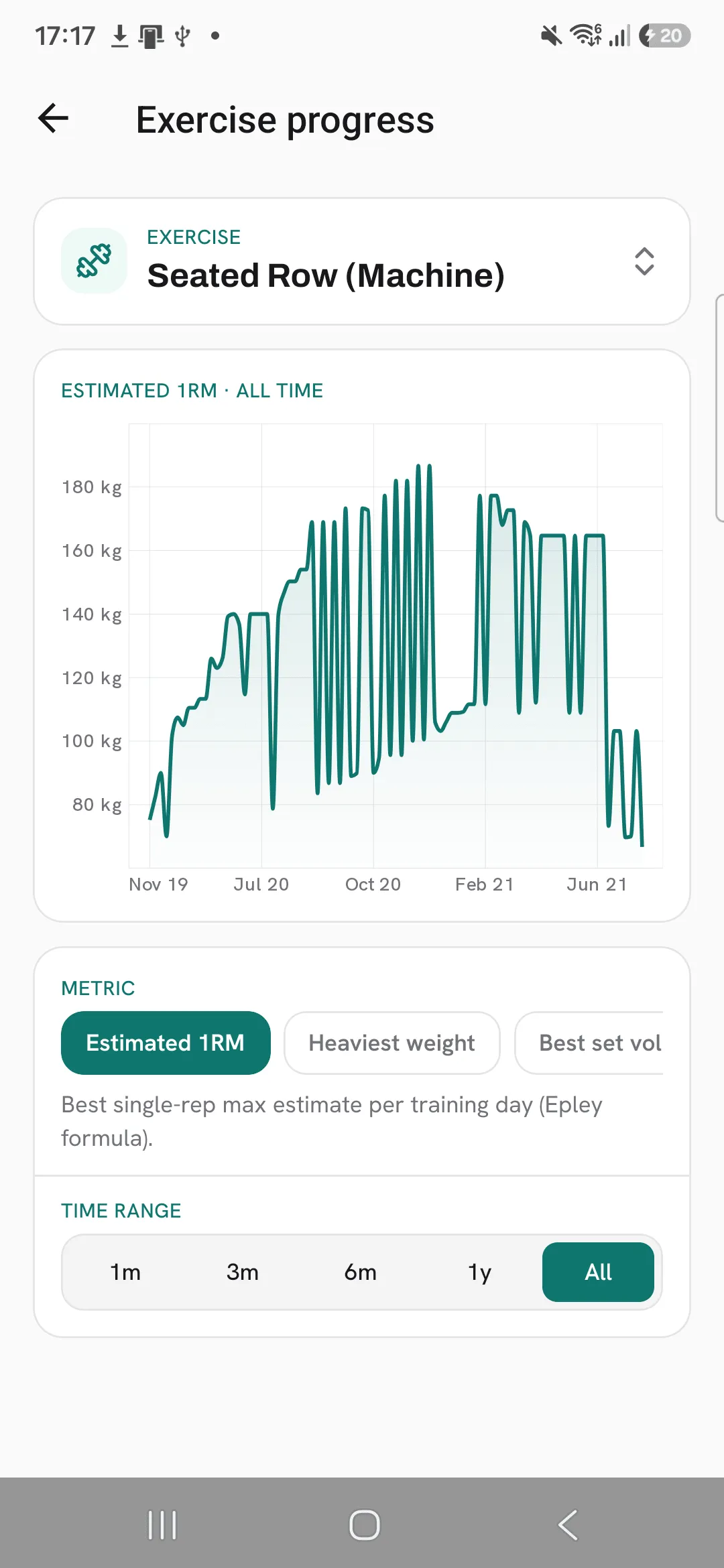
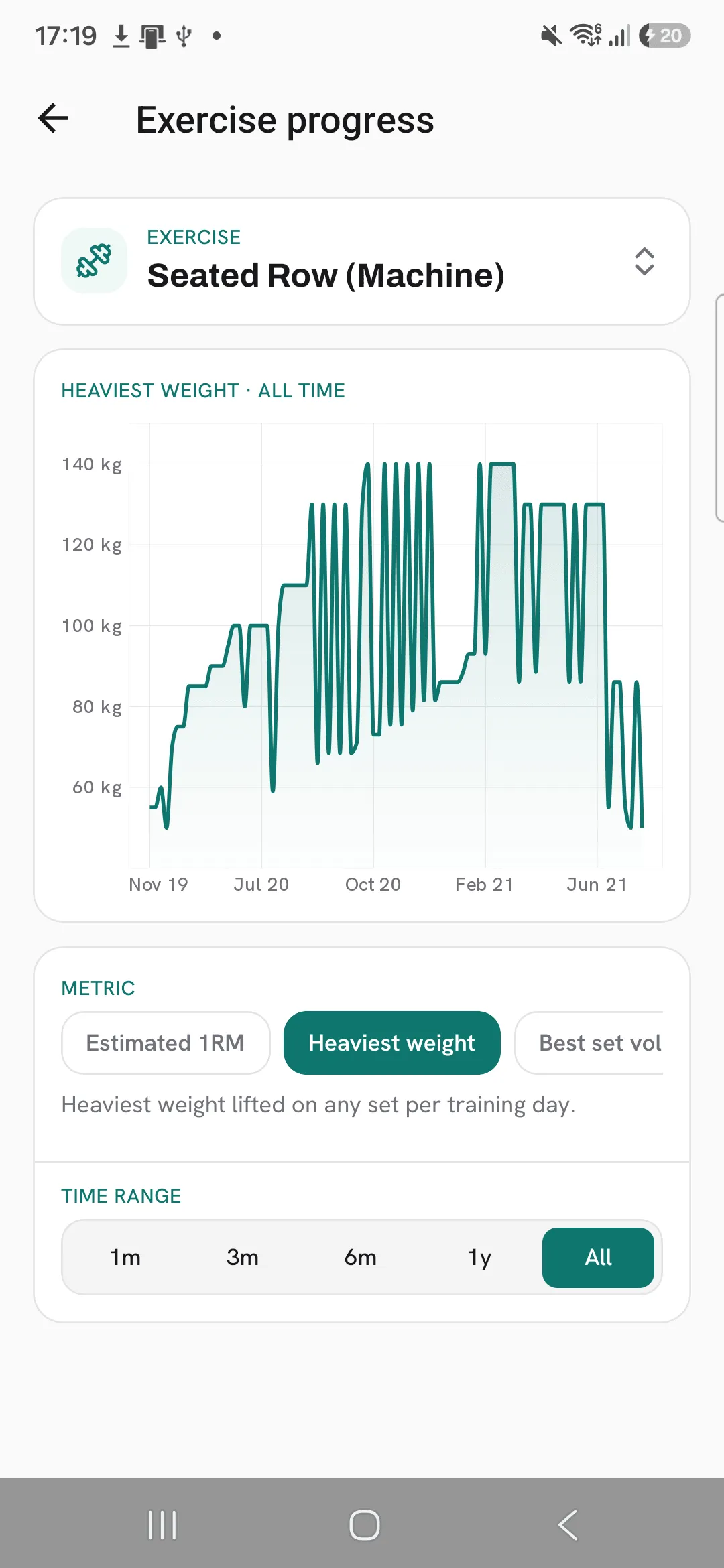
Tap a metric to change what the chart shows. The metrics match how the exercise is logged.
- Weight & reps: estimated 1RM, heaviest weight, best set volume, daily volume, total reps and max reps.
- Duration: longest time and total time.
- Distance & duration: furthest distance, longest time and total time.
- Distance & weight: furthest distance and heaviest weight.
Estimated 1RM uses the Epley formula. Each point on the chart is one day you trained the exercise.
Pick a time range
Choose 1 month, 3 months, 6 months, 1 year or all time.
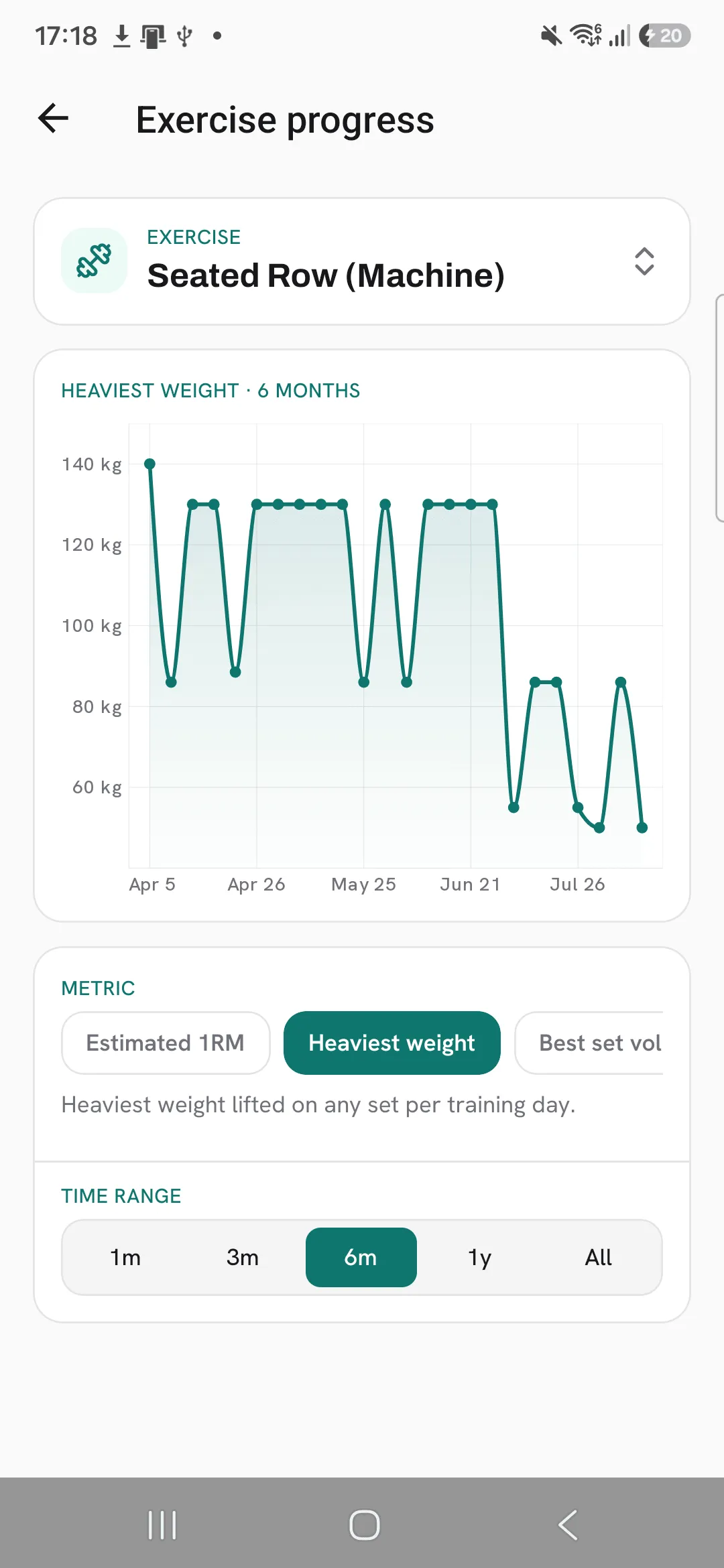
Read a point
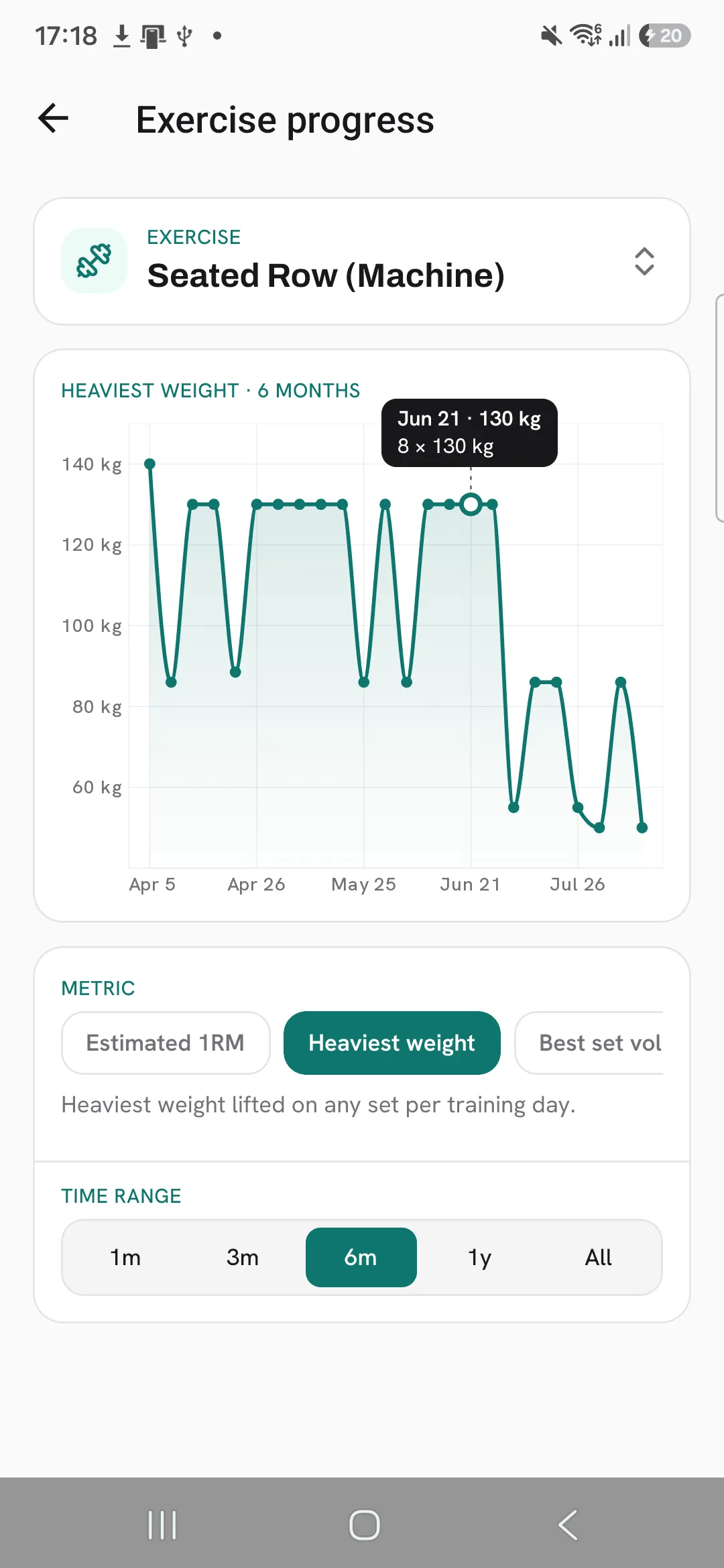
Press on the chart and slide along it to see the value for each day.
Your overall trends
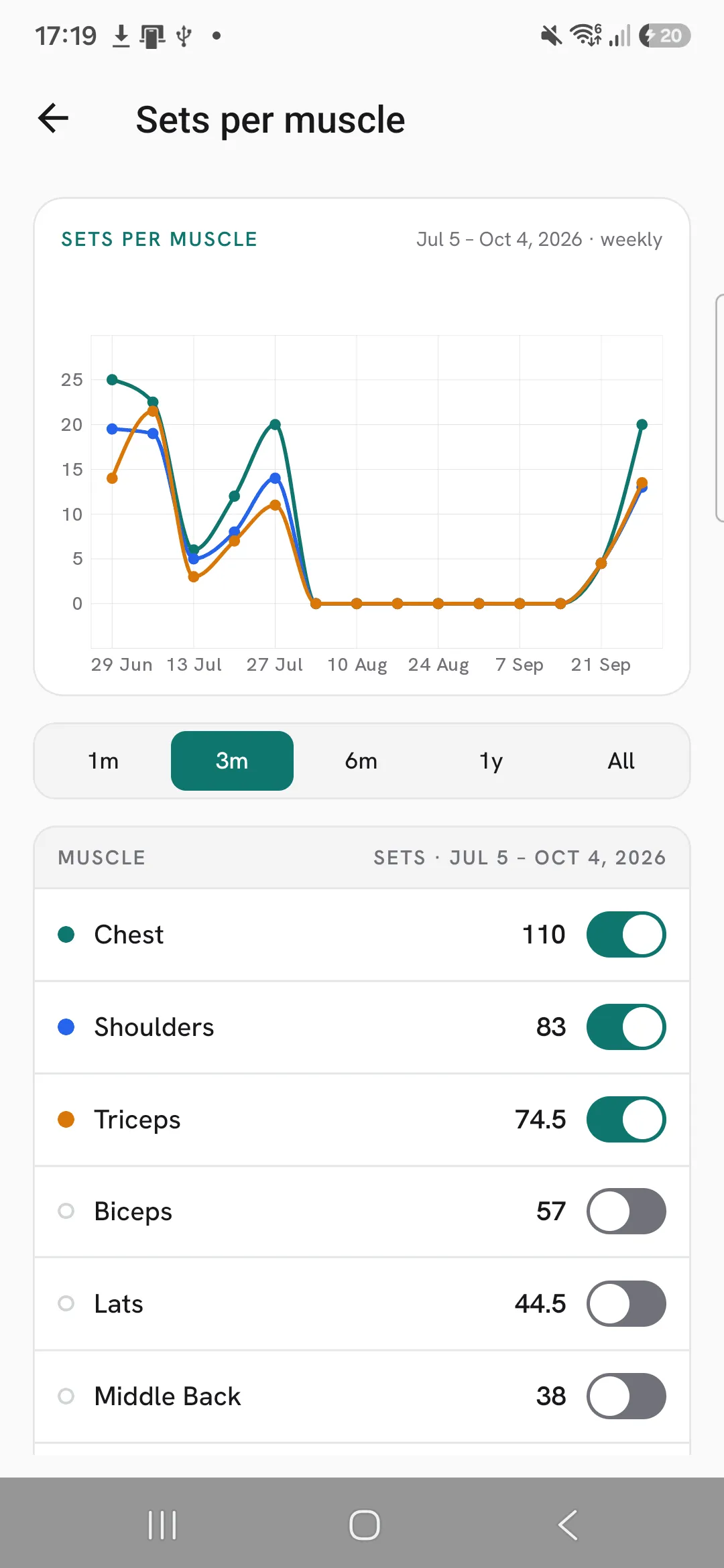
The Statistics screen also charts your volume, workout duration and sets over time, sets per muscle, and how your training splits across muscle groups.
Tips
- Pick a longer range, like 6 months or a year, to see past the ups and downs of single workouts.
- If your heaviest weight has been flat for weeks, check estimated 1RM. It goes up when you add reps at the same weight.
Frequently asked questions
How is estimated 1RM worked out?
With the Epley formula, from a single set: weight × (1 + reps ÷ 30).
Which metrics can I chart?
It depends on how the exercise is logged. Weight & reps exercises chart estimated 1RM, heaviest weight, best set volume, daily volume, total reps and max reps.
What is one point on the chart?
One day you trained the exercise.
