

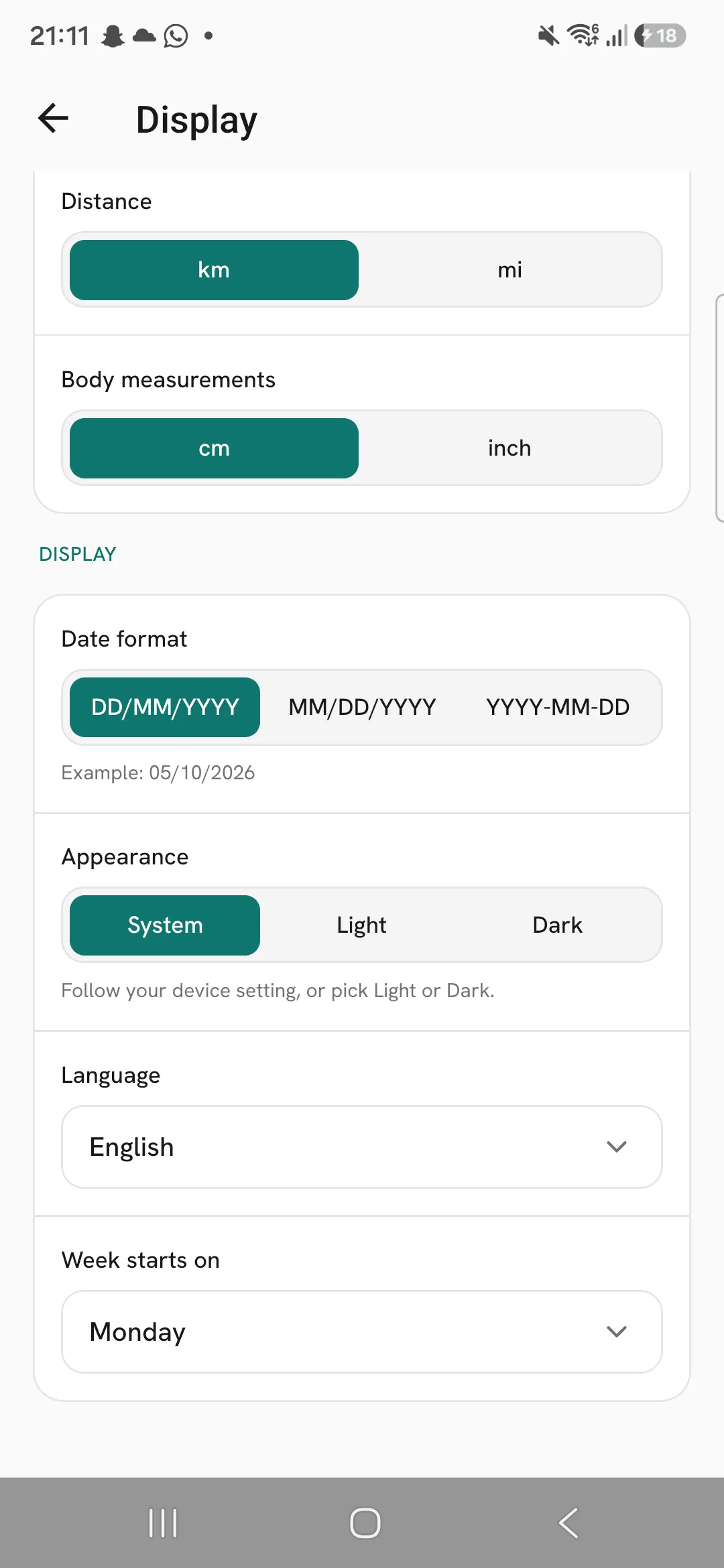
Overlood comes in a light and a dark theme. By default it follows your phone’s setting, and you can keep it in one theme if you’d rather.
It follows your phone
Out of the box, Appearance is set to System. Turn on dark mode on your phone and Overlood goes dark with it, even while it’s open.
Pick Light or Dark
- Open Profile, then Display.
- Under Appearance, tap System, Light or Dark.
The whole app switches as you tap.
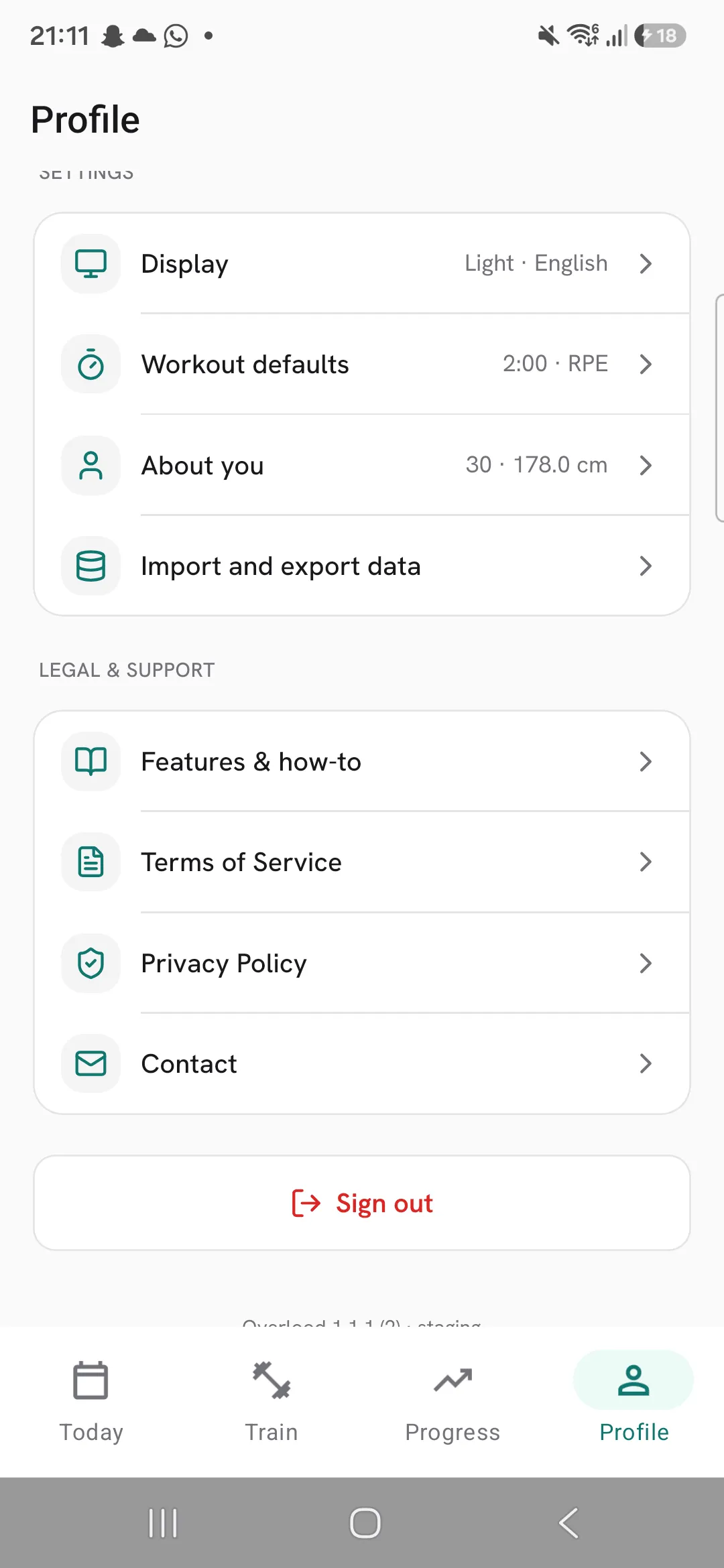
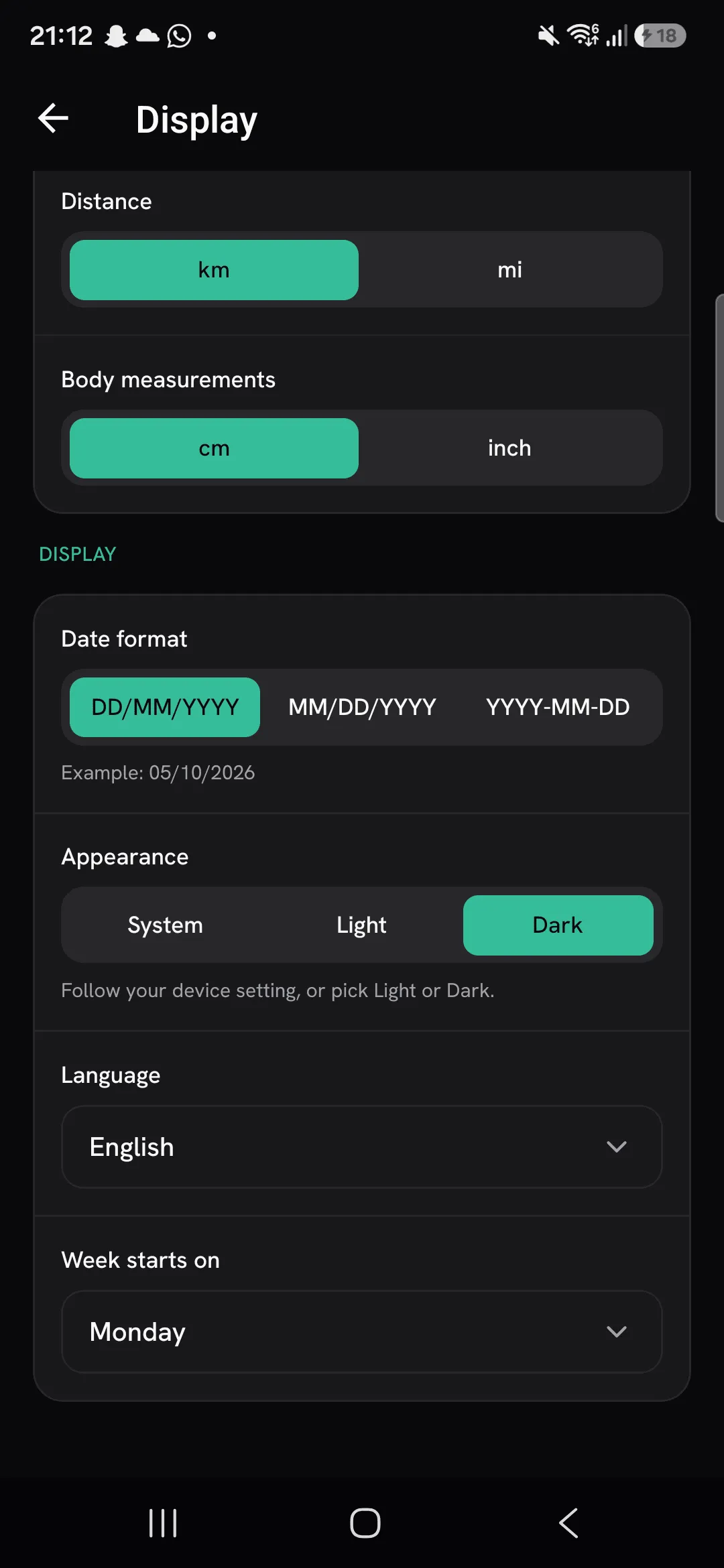
It opens in the theme you picked
When you pick Light or Dark, Overlood opens in that theme every time, without showing the other one first.
Set on this phone only
Appearance is saved on your phone, not to your account. Your other settings on Display follow you to a new phone. This one you set again there.
Frequently asked questions
Does my choice follow me to another phone?
No. Appearance is saved on the phone you set it on. On a new phone, Overlood follows that phone’s setting until you pick Light or Dark there.
What does System do?
Overlood uses Light or Dark to match your phone’s own setting.
