

Overlood keeps a log of your body measurements, from your neck to your calves, plus your body fat percentage, and charts them over time.
The scale can sit still while your waist gets smaller and your arms get bigger. Measurements show the change your body weight hides.
What you can measure
- Neck, Shoulders, Chest, Waist and Hips.
- Bicep, Forearm, Thigh and Calf, each on the left and the right.
- Body fat, as a percentage.
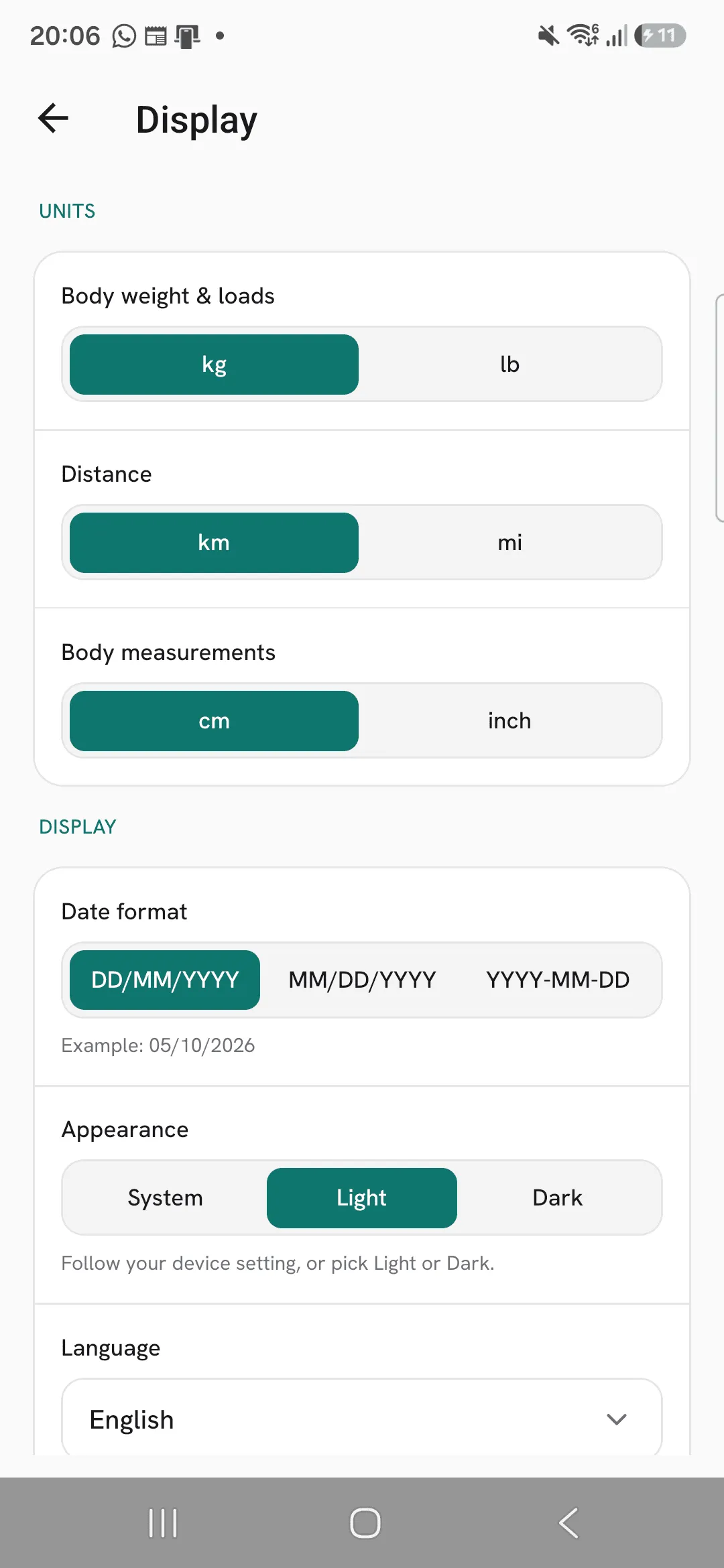
Measurements show in cm or inches, following Body measurements under Profile, then Display.
Log your measurements
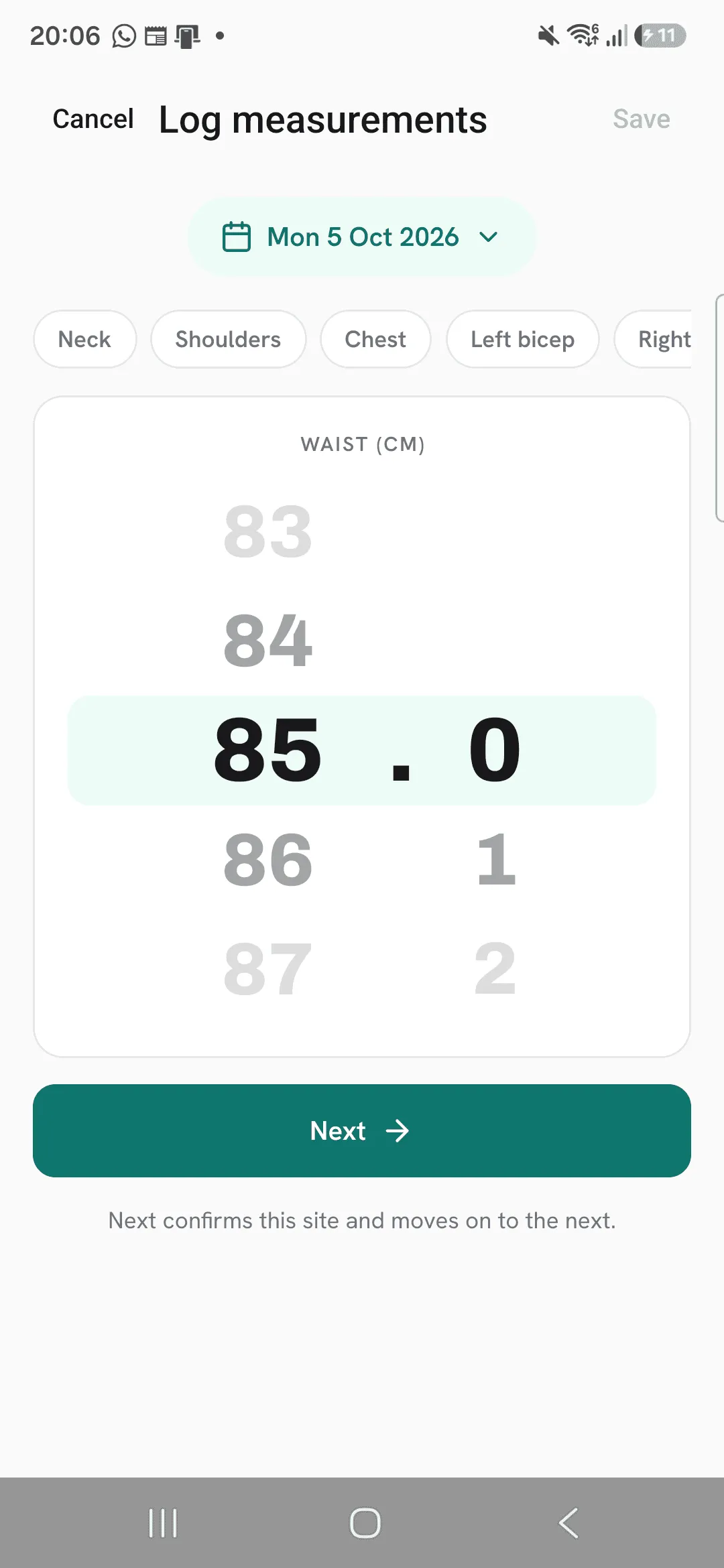
Open Progress, tap Measurements, then +. Once you’ve logged a workout, you can also tap + on Today and pick Log measurements.
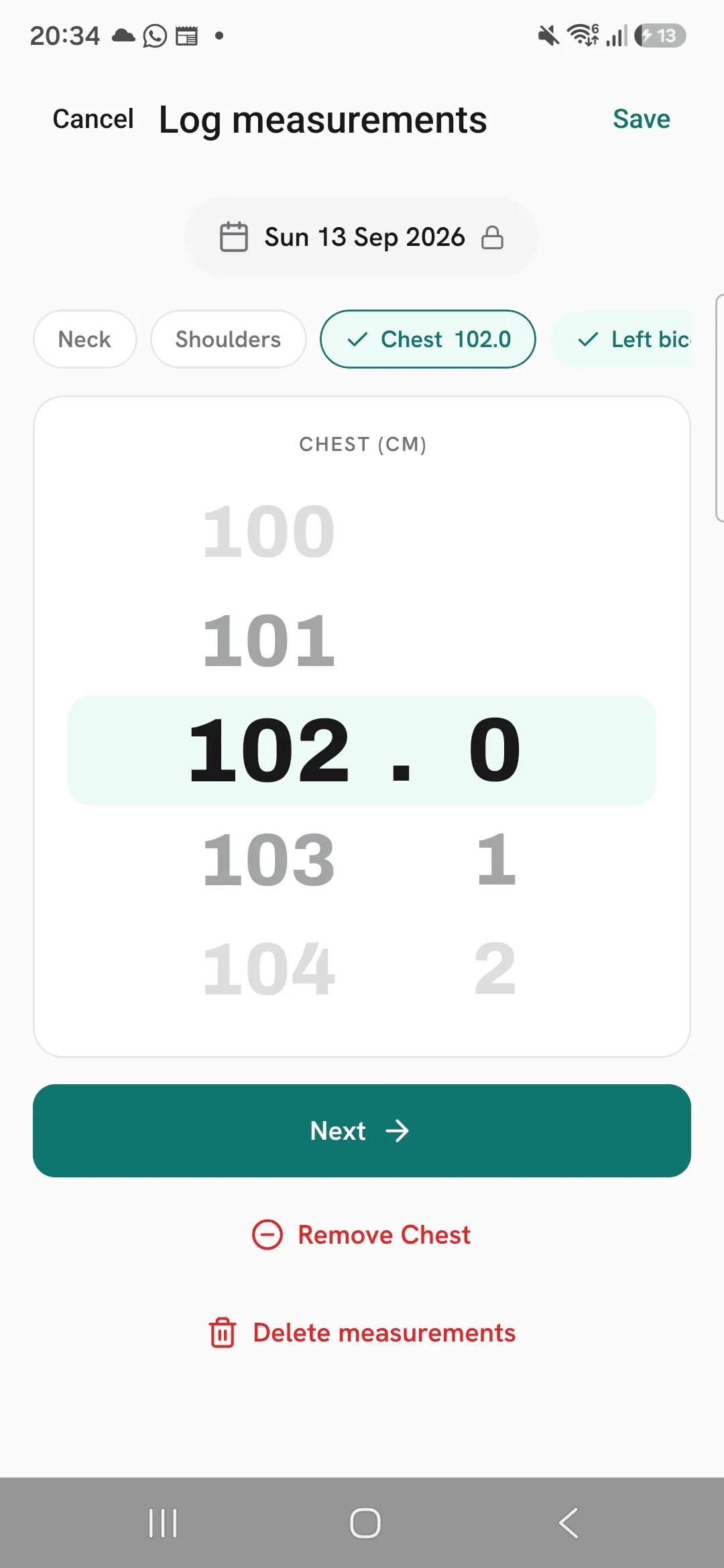
Tap a site, turn the wheel to its value, to one decimal, and tap Next to move to the next site. Skip the ones you don’t measure. Save logs every site you confirmed for that date.
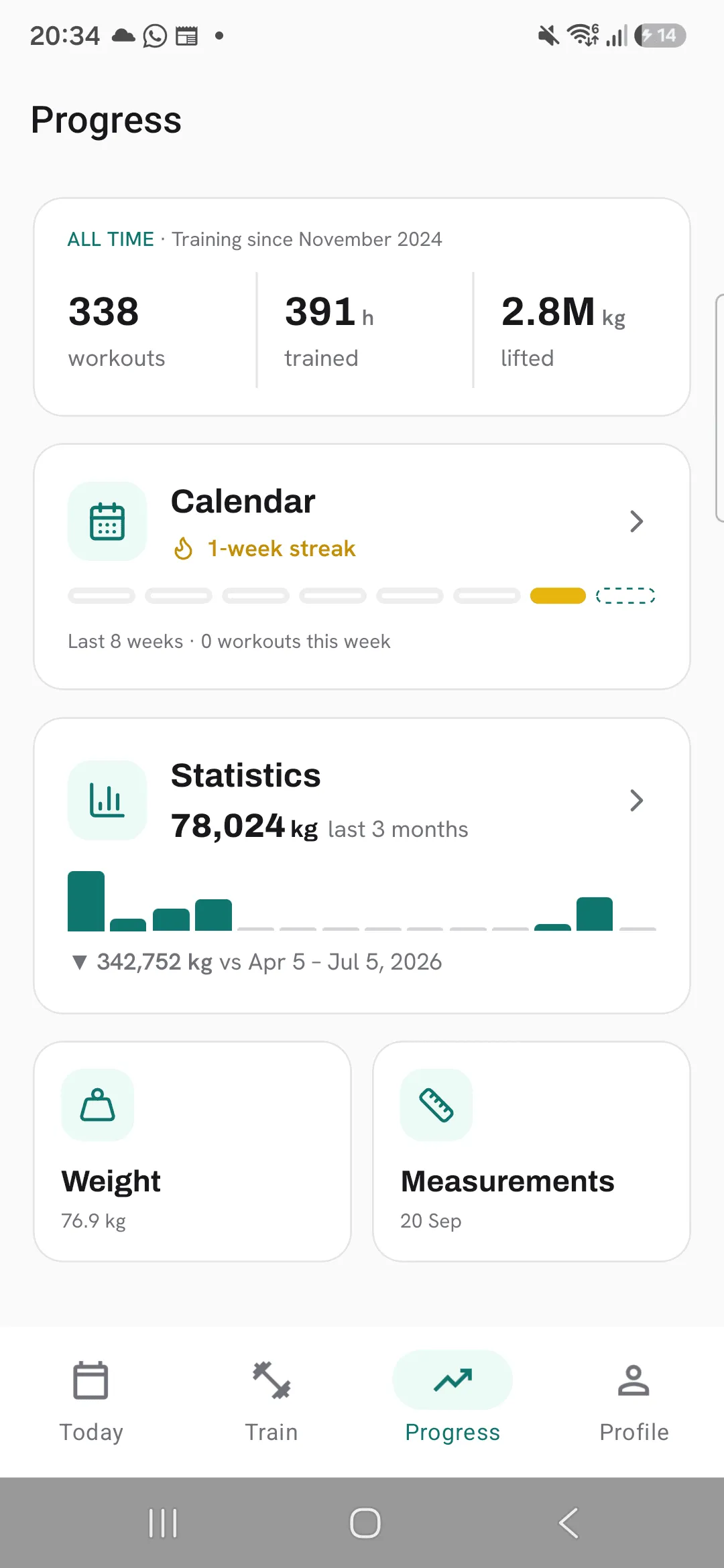
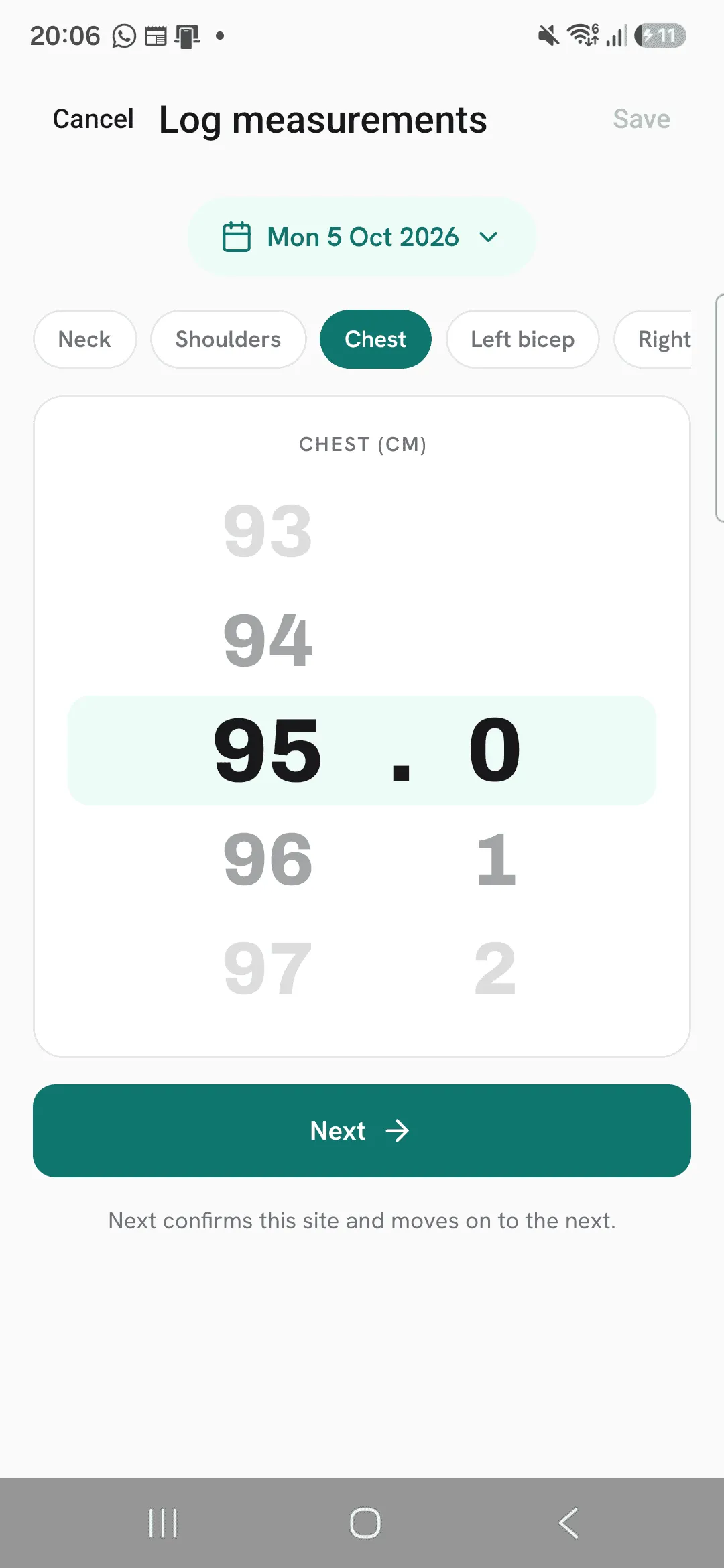
Chart your measurements
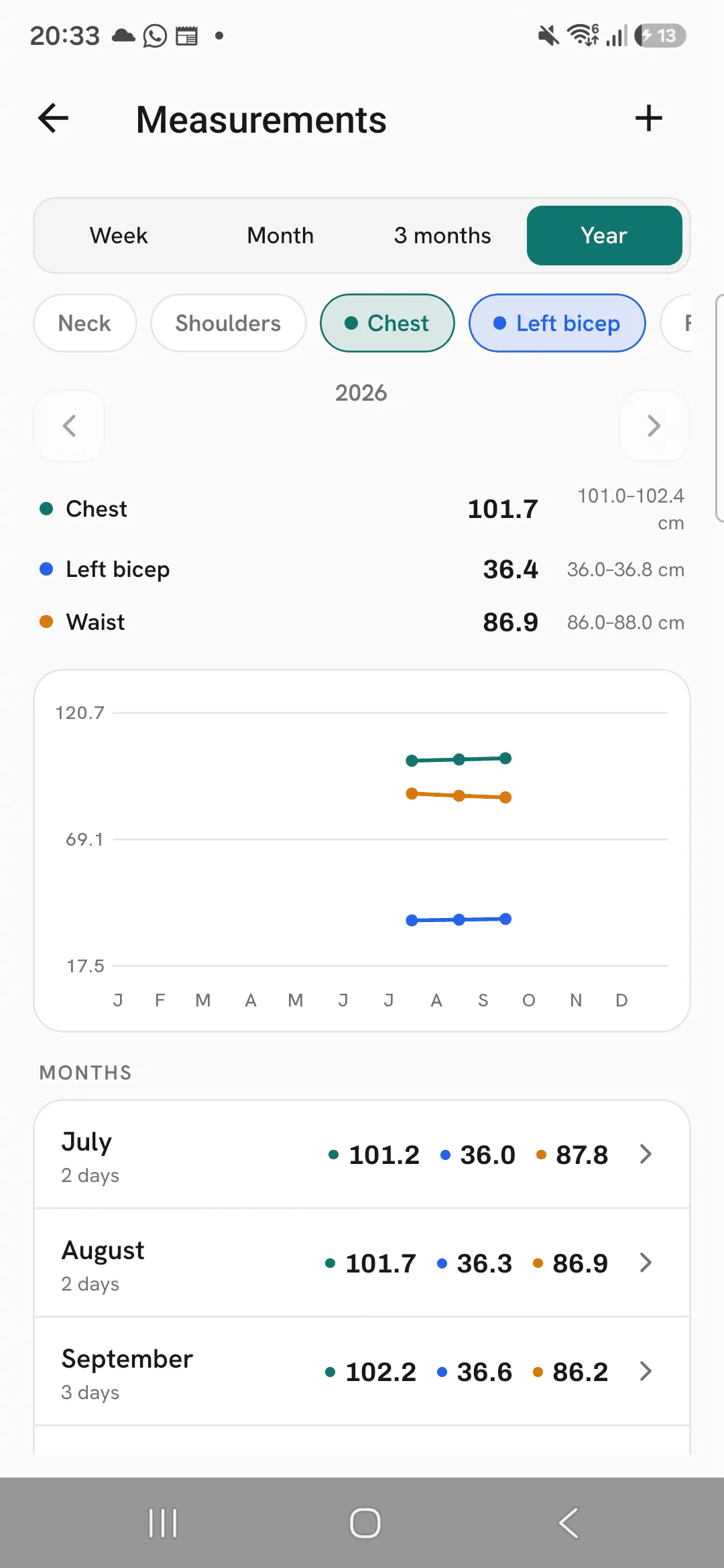
The Measurements screen shows one period at a time: Week, Month, 3 months or Year. Use the arrows to step back to earlier periods.
Tap a site to chart it. Pick up to four sites at once, each with its own line, average and range. Body fat is charted on its own.
Fix or delete a day
On Week, the list under the chart shows each day you measured. Tap a day to change its values or remove a site, or tap Delete measurements to remove that day. On a longer period, tap a week or month in the list to zoom into it.
Tips
- Measure at the same spot each time, like across the navel for your waist, so the numbers compare.
- You don’t have to measure everything. Log only the sites you track.
- Chart your waist next to your chest or arms to see where you’re changing.
Frequently asked questions
Can I use inches?
Yes. Set Body measurements to inch under Profile, then Display. Body fat always shows as a percentage.
Can I chart body fat with my measurements?
Not at the same time. Body fat is a percentage and the sites are lengths, so they’re charted on their own.
Can I log one site on its own?
Yes. Log any sites you like. Each one keeps one value per date.
